FM-1 firmware · 0.2
NEON
A synthwave song maker: Juno pads, supersaw leads, 80s drum kits, and one chord progression steering every melodic track.
- Made by
- Neon Summers
- Released
- November 20, 2026
- Install
- On the FM-1 Firmware Hub · source on GitHub
- Scan
- Not scanned yet What we checked
- Last checked
- November 29, 2026
What NEON does
- NEON turns the FM-1 into a synthwave song maker with pads, supersaw leads, basses and 80s drums.
- The JUNO, THUNDER, STRINGS, NEON and DRUMS engines cover Juno voices, stacked unison leads, string machine, supersaw and ten drum kits.
- About 220 presets are sorted into BASS, LEAD, PAD, ARP, KEY and DRUMS, browsed with the PRESETS knob while KNOB 4 picks the section.
- A preset can also set its track's LFO, glide, key tracking, octave and arpeggiator.
- The sequencer holds up to 64 steps per track, and chords move by voice leading to the nearest notes.
- Hold SEQ and press F5 to write a part, or G5 to grow it into a four-bar phrase.
- PUMP adds a tempo-synced sidechain duck on any track, and a stereo Juno chorus sits on the chorus bus.
- Save patterns to the four project slots A to D with KNOB 1, KNOB 4 and OCT+, then store the song arrangement alongside.
Its modes
- HARMONY
- Pick a MOOD so one chord progression drives every melodic track.
- WRITE
- Hold SEQ and press F5 to write a one-bar part for the track's sound.
- VARY
- Hold SEQ and press G5 to turn one bar into a four-bar phrase that resolves.
- Mixer
- Set each track's level, pan and reverb and watch its output meter.
- DRIVE visualizer
- Tap HOME from HOME for a rolling grid and a sun that swells with the music.
- SONG
- Arrange your saved patterns into a full song from the GLO page.
- SAVE > PROJECT
- Store the current pattern into one of the four project slots.
- MENU > COLOR
- Choose a different palette for the screen.
What Les checked
NEON
StatusNot scanned yet
Les hasn't scanned this firmware yet.
Each firmware is its author's. Back up first, and install at your own risk. How Les scans firmware
Ask Les about your own setup
Say what you want to make and what else you use. Les gives you steps for your own gear, one at a time, and says why each one works.
To get an invite: leave your email, then join the Les Discord.
Join the Les beta
Les is a powerful creative unification platform currently under heavy development and we are interested in testers who are active, interested, and able to help shape the platform.
Free for testers.
 How to use grooves in Ableton 120:42 · 4 STEPS
 How to use the arpeggiator0:37 · 4 STEPS
 How to make a deep bass0:38 · 4 STEPS
 How to make an evolving pad0:44 · 4 STEPS
 How the Mod Matrix works0:39 · 3 STEPS
 How to morph between two versions of a pad0:40 · 4 STEPS
 How the two wave knobs on a PolyBrute oscillator work0:42 · 4 STEPS
 How to add swing0:34 · 2 STEPS
 How to change the bells on the FM-1 AMB-10:36 · 3 STEPS · AMB-1
 How to turn the FM-1 AMB-1 into a drone0:37 · 3 STEPS · AMB-1
 How to steer the melody on the FM-1 AMB-10:36 · 3 STEPS · AMB-1
 How to use the arpeggiator0:41 · 4 STEPS · STOCK
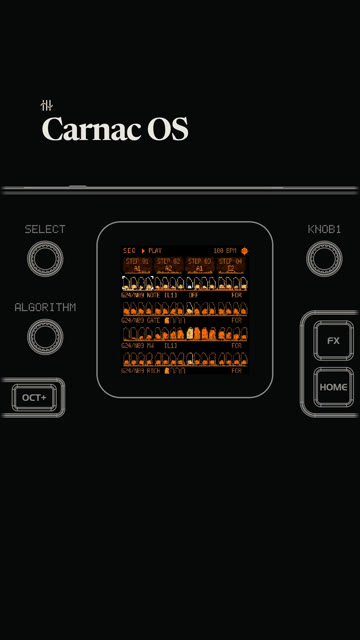 Carnac OS: a synth drawn in standing stones0:29 · 4 STEPS · CARNAC OS
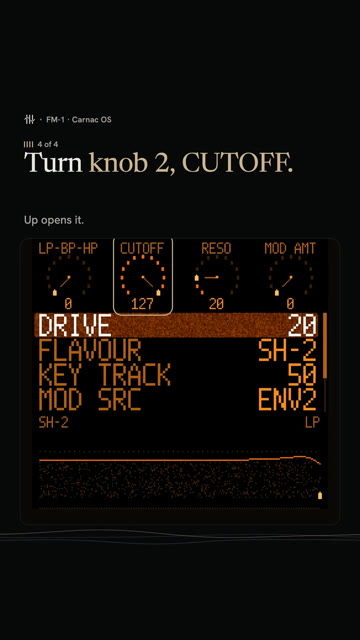 How to sweep the pad's filter in Carnac OS0:43 · 4 STEPS · CARNAC OS
 How to play a dominant 7th on the FM-1 with ChoralRoot0:33 · 3 STEPS · CHORALROOT
 How to play minor 9th chords with one finger on the FM-1 with ChoralRoot0:37 · 3 STEPS · CHORALROOT
 How to play a I-vi-IV-V on the FM-1 with ChoralRoot0:39 · 4 STEPS · CHORALROOT
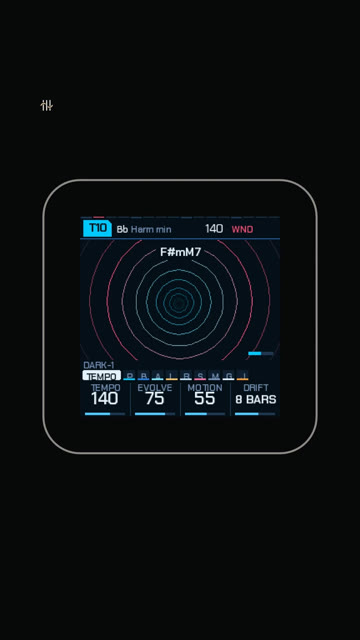 DARK-1: a groovebox that plays dark music by itself0:29 · 3 STEPS
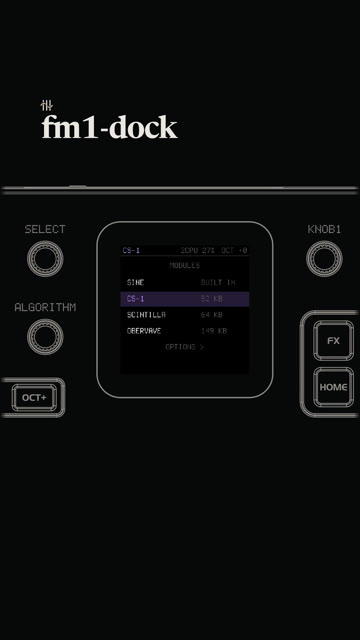 fm1-dock: one firmware, many synths0:27 · 3 STEPS
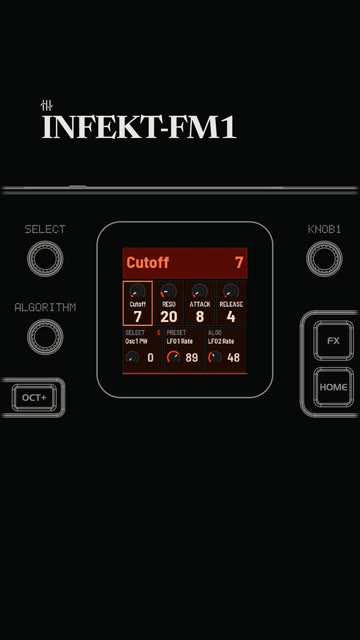 INFEKT-FM1: a virtual analog synth, compatible with Virus patches0:30 · 3 STEPS
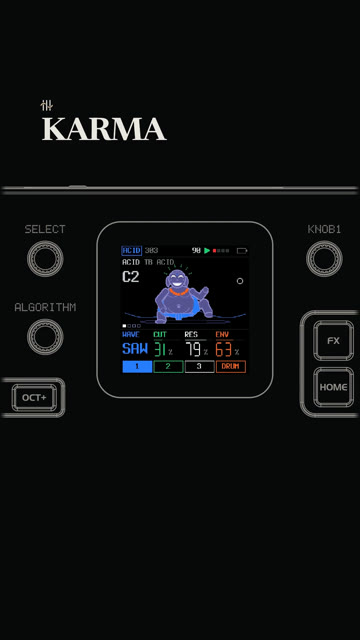 KARMA: a groovebox where every track has a character0:28 · 4 STEPS
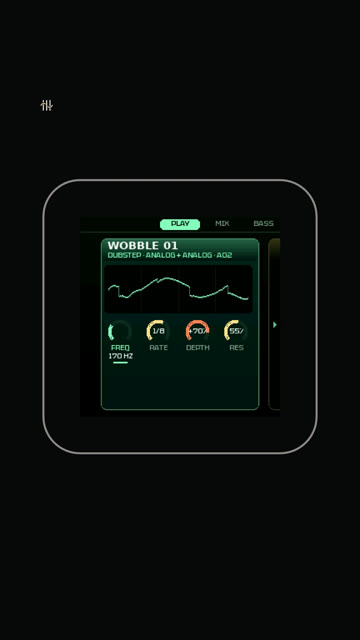 K-WASUB: a bass synth with the wobble on its keys0:28 · 3 STEPS
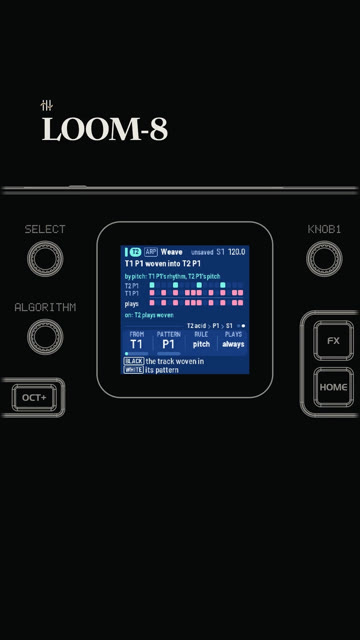 LOOM-8: a groovebox that weaves two patterns into a third0:27 · 3 STEPS
 How to get the Casio CZ sound on the FM-1 with Melodee0:34 · 3 STEPS · MELODEE
 How to get a Prophet-5 sound on the FM-1 with Melodee0:40 · 4 STEPS · MELODEE
 How to record without quantize on the FM-1 with Melodee0:28 · 2 STEPS · MELODEE
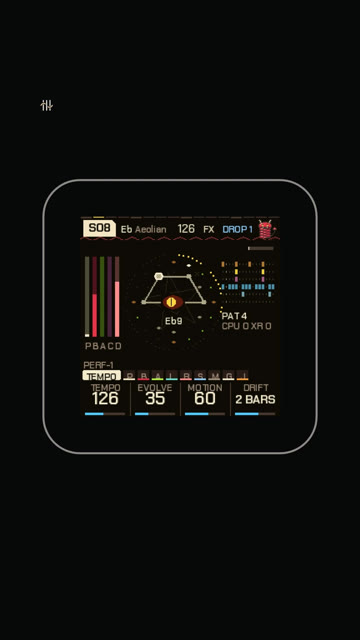 PERF-1: breakdowns, builds and drops on one button0:30 · 3 STEPS
 How to make dungeon synth on the FM-1 with GHOULBOX0:41 · 4 STEPS · GHOULBOX
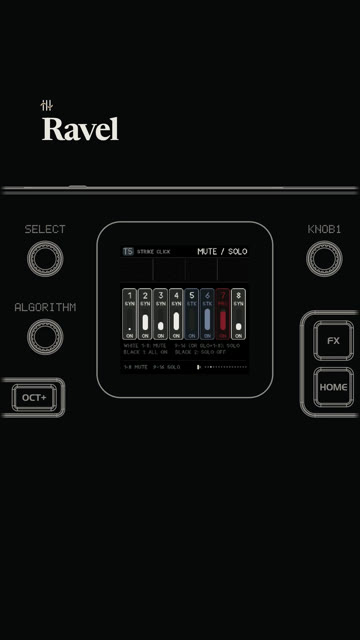 Ravel: a groovebox where tracks play other tracks0:26 · 3 STEPS
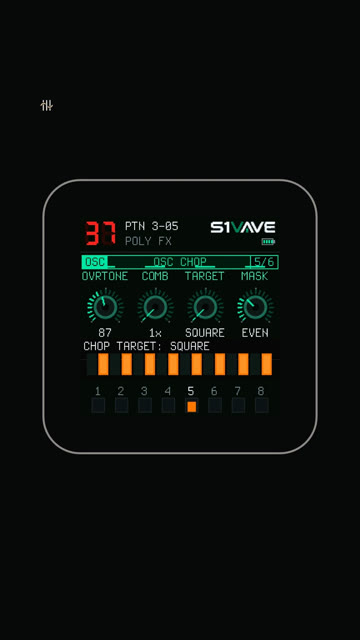 S1Vave: a wave you draw and chop as you play0:28 · 3 STEPS
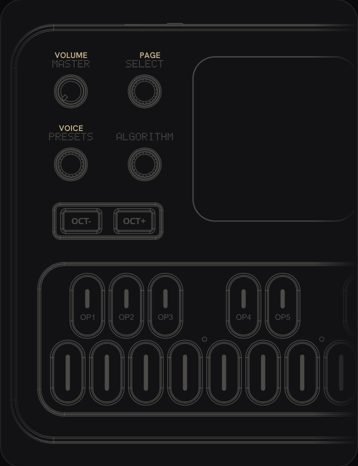 What every FM-1 control doesPick the firmware on yours, then tap any control to see what it does.
 How to add glide to one step0:38 · 3 STEPS
 How to play a random sequence0:28 · 2 STEPS
Les is independent and not affiliated with M-VAVE or the firmware authors. M-VAVE and FM-1 are trademarks of their owners.