FM-1 firmware · 1.1-r058
SPAMPY
A four-track groovebox in a synthwave skin, with sound tools, scenes, drum processing, effects, and the Neon Pang and Neon Bubbles games.
- Made by
- Spampy-Droid
- Released
- November 15, 2026
- Built on
- SLOOP
- Install
- On the FM-1 Firmware Hub · source on GitHub
- Scan
- Not scanned yet What we checked
- Last checked
- November 24, 2026
What SPAMPY does
- You play four tracks: three synths and a drum machine with 16 sounds, one per white key.
- Twelve engines cover virtual analogue, FM, phase distortion, chip, sampler, voice, granular, tonewheel organ, physical models and noise.
- It holds 153 factory sounds sorted by kind, 37 drum kits and 32 user presets you save yourself.
- You record live and overdub each pass, with undo on EDIT + OCT− and a track clear on a held REC.
- Each track holds up to 64 steps with its own length, division, nudge, parameter locks and fill conditions.
- Hold FX and any key for 27 punch-in effects that run on the whole mix while held.
- Save a loop into sections A to D, chain them by tapping keys, and record the song as you play.
- Autosave keeps your work in flash, and USB carries MIDI, audio recording and the web editor.
Its modes
- TRACKS
- The performance view shows every track with its sound, steps, playhead, mute and level, with swing, level, steps and pan on the knobs.
- Visualiser
- Tap HOME on TRACKS for twelve full-screen displays of the mix, chosen with SELECT.
- Layer
- Hold a function button and the 16 white keys and four knobs become that layer's tiles and dials.
- DRUMS
- Edit the drum grid, pick the kit and tune or shorten each of the 16 sounds.
- REC READY / FREE TAKE / COUNT-IN
- Set mode, length, start and quant before a take, or watch the loop a free take would make.
- Hold ring
- Holding REC fills a ring that clears the selected track when it completes.
- SONG
- Build and edit the chain of sections, their bars and how many steps the song has.
- Pages
- Tapping ENV, LFO, FX, SEL, EDIT, ARP, SEQ, GLO or SAVE opens their values on the four knobs.
- Menu
- Hold HOME for the settings of the FM-1 in four sections: SCREEN, LIGHTS, AUDIO and SYSTEM.
- Neon Pang
- Play the built-in game on the screen, where PAUSED shows and PLAY resumes it.
What Les checked
SPAMPY v1.1-r058Last scanned: r949, November 24, 2026
What we checked for
- The file is exactly the one its author published
- It's the same file we saw when this release first came out
- It opens cleanly as an FM-1 firmware, nothing damaged
- It doesn't show up on your computer as a keyboard, mouse or other input device
- It doesn't show up as a USB drive or network adapter
- Its text mentions no computer command tools, like PowerShell, Terminal or a download command
What we found
- MIDI and audio, as expected
StatusNot scanned yet
We couldn't tell which file in this release is the FM-1 one, so we didn't scan it.
Each firmware is its author's. Back up first, and install at your own risk. How Les scans firmware
Ask Les about your own setup
Say what you want to make and what else you use. Les gives you steps for your own gear, one at a time, and says why each one works.
To get an invite: leave your email, then join the Les Discord.
Join the Les beta
Les is a powerful creative unification platform currently under heavy development and we are interested in testers who are active, interested, and able to help shape the platform.
Free for testers.
 How to use grooves in Ableton 120:42 · 4 STEPS
 How to use the arpeggiator0:37 · 4 STEPS
 How to make a deep bass0:38 · 4 STEPS
 How to make an evolving pad0:44 · 4 STEPS
 How the Mod Matrix works0:39 · 3 STEPS
 How to morph between two versions of a pad0:40 · 4 STEPS
 How the two wave knobs on a PolyBrute oscillator work0:42 · 4 STEPS
 How to add swing0:34 · 2 STEPS
 How to change the bells on the FM-1 AMB-10:36 · 3 STEPS · AMB-1
 How to turn the FM-1 AMB-1 into a drone0:37 · 3 STEPS · AMB-1
 How to steer the melody on the FM-1 AMB-10:36 · 3 STEPS · AMB-1
 How to use the arpeggiator0:41 · 4 STEPS · STOCK
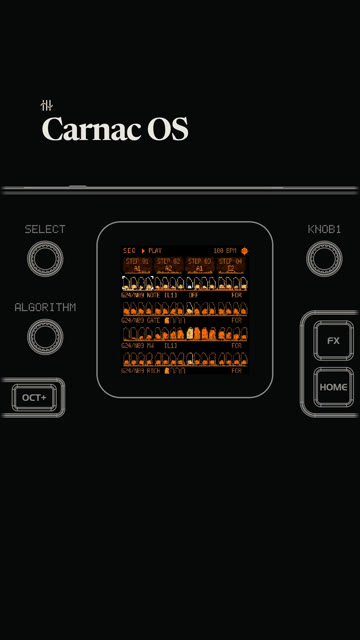 Carnac OS: a synth drawn in standing stones0:29 · 4 STEPS · CARNAC OS
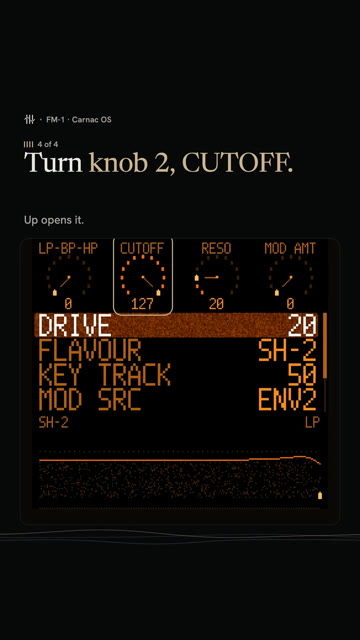 How to sweep the pad's filter in Carnac OS0:43 · 4 STEPS · CARNAC OS
 How to play a dominant 7th on the FM-1 with ChoralRoot0:33 · 3 STEPS · CHORALROOT
 How to play minor 9th chords with one finger on the FM-1 with ChoralRoot0:37 · 3 STEPS · CHORALROOT
 How to play a I-vi-IV-V on the FM-1 with ChoralRoot0:39 · 4 STEPS · CHORALROOT
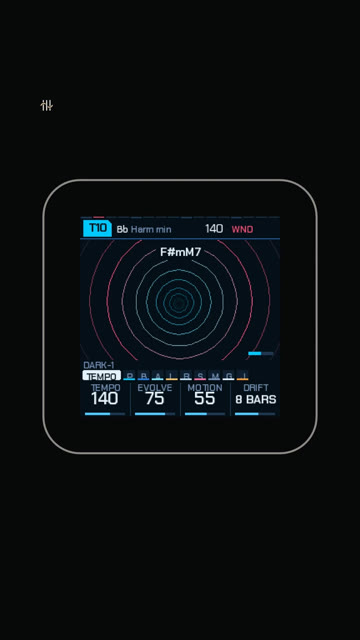 DARK-1: a groovebox that plays dark music by itself0:29 · 3 STEPS
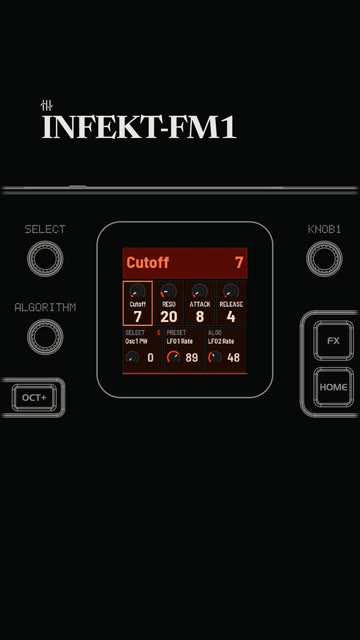 INFEKT-FM1: a virtual analog synth, compatible with Virus patches0:30 · 3 STEPS
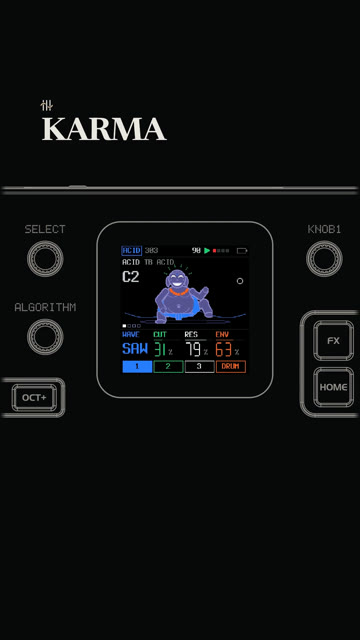 KARMA: a groovebox where every track has a character0:28 · 4 STEPS
 How to get the Casio CZ sound on the FM-1 with Melodee0:34 · 3 STEPS · MELODEE
 How to get a Prophet-5 sound on the FM-1 with Melodee0:40 · 4 STEPS · MELODEE
 How to record without quantize on the FM-1 with Melodee0:28 · 2 STEPS · MELODEE
 How to make dungeon synth on the FM-1 with GHOULBOX0:41 · 4 STEPS · GHOULBOX
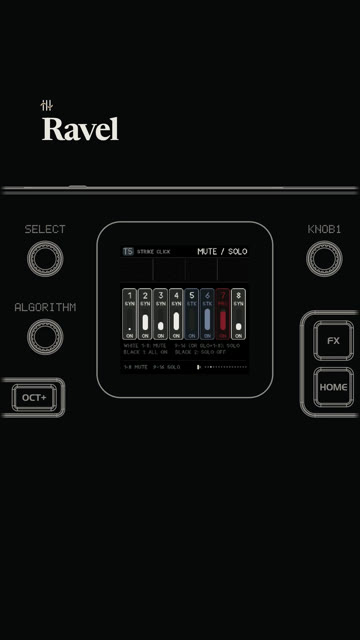 Ravel: a groovebox where tracks play other tracks0:26 · 3 STEPS
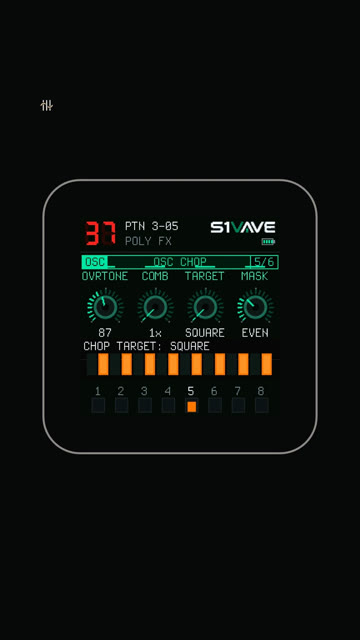 S1Vave: a wave you draw and chop as you play0:28 · 3 STEPS
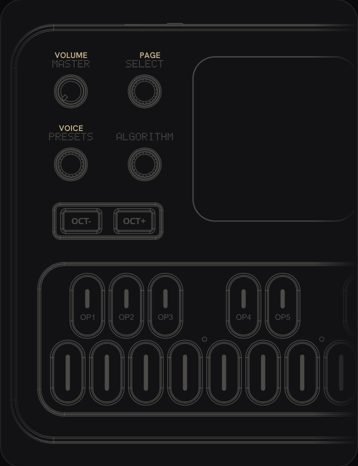 What every FM-1 control doesPick the firmware on yours, then tap any control to see what it does.
 How to add glide to one step0:38 · 3 STEPS
 How to play a random sequence0:28 · 2 STEPS
Les is independent and not affiliated with M-VAVE or the firmware authors. M-VAVE and FM-1 are trademarks of their owners.