FM-1 firmware · 0.3.0
h1
Sixteen playable instruments, each with eight algorithms and four live knobs, backed by a loop recorder, step sequencer, arpeggiator and metronome.
- Made by
- Jake Handy
- Released
- November 20, 2026
- Install
- On the FM-1 Firmware Hub · source on GitHub
- Scan
- Not scanned yet What we checked
- Last checked
- November 23, 2026
What h1 does
- Sixteen instruments cover lo-fi keys, space synths, FM, chiptune, pads, plucked strings, medieval instruments and drum kits.
- A loop recorder and a step sequencer capture your playing, alongside an arpeggiator and a metronome.
- LAYERS stacks up to sixteen takes, each keeping its own instrument, algorithm, four knobs, ENV and LFO.
- PRESETS picks the instrument, ALGORITHM picks the algorithm, and REC and PLAY arm, overdub and run what you record.
- The loop is kept through a power-off, and settings, the step pattern and the instrument save themselves.
- One USB cable makes the FM-1 an audio input and a MIDI device for a computer or phone.
- MIDI in arrives over USB and the TRS jack, and holding OCT minus and OCT plus lets a USB keyboard play it.
Its modes
- Home screen
- Play the keys while KNOB 1 to 4 give the instrument's four live modulations and SELECT sets the tempo.
- FX
- Set the effects chain, which follows the instrument in hand.
- SEL
- Set this page's four columns, one for each of the four knobs.
- ENV
- Shape the instrument's envelope, which each recorded layer keeps as it stood.
- LFO
- Set the instrument's LFO, which each recorded layer keeps as it stood.
- GLO
- Set the global page, and hold GLO for CLICK REC, CLICK ON and CLICK OFF.
- ARP
- Set the arpeggiator, whose notes the loop records and MIDI out sends.
- SEQ
- Set the sequencer, including BARS from 1 to 128, and see how LAYERS is set.
- SAFE MODE
- Comes up after two failed starts with no sound but working USB, so firmware can be installed again.
What Les checked
h1
StatusNot scanned yet
Les hasn't scanned this firmware yet.
Each firmware is its author's. Back up first, and install at your own risk. How Les scans firmware
Ask Les about your own setup
Say what you want to make and what else you use. Les gives you steps for your own gear, one at a time, and says why each one works.
To get an invite: leave your email, then join the Les Discord.
Join the Les beta
Les is a powerful creative unification platform currently under heavy development and we are interested in testers who are active, interested, and able to help shape the platform.
Free for testers.
 How to use grooves in Ableton 120:42 · 4 STEPS
 How to use the arpeggiator0:37 · 4 STEPS
 How to make a deep bass0:38 · 4 STEPS
 How to make an evolving pad0:44 · 4 STEPS
 How the Mod Matrix works0:39 · 3 STEPS
 How to morph between two versions of a pad0:40 · 4 STEPS
 How the two wave knobs on a PolyBrute oscillator work0:42 · 4 STEPS
 How to add swing0:34 · 2 STEPS
 How to change the bells on the FM-1 AMB-10:36 · 3 STEPS · AMB-1
 How to turn the FM-1 AMB-1 into a drone0:37 · 3 STEPS · AMB-1
 How to steer the melody on the FM-1 AMB-10:36 · 3 STEPS · AMB-1
 How to use the arpeggiator0:41 · 4 STEPS · STOCK
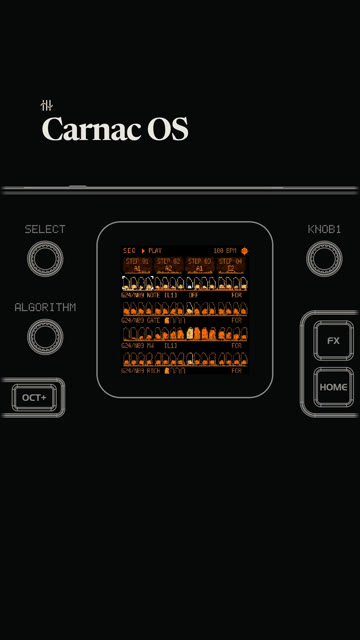 Carnac OS: a synth drawn in standing stones0:29 · 4 STEPS · CARNAC OS
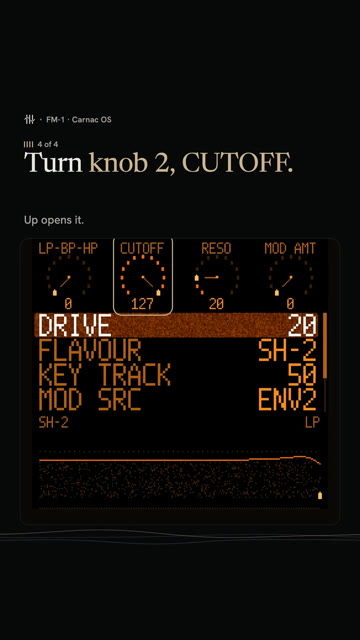 How to sweep the pad's filter in Carnac OS0:43 · 4 STEPS · CARNAC OS
 How to play a dominant 7th on the FM-1 with ChoralRoot0:33 · 3 STEPS · CHORALROOT
 How to play minor 9th chords with one finger on the FM-1 with ChoralRoot0:37 · 3 STEPS · CHORALROOT
 How to play a I-vi-IV-V on the FM-1 with ChoralRoot0:39 · 4 STEPS · CHORALROOT
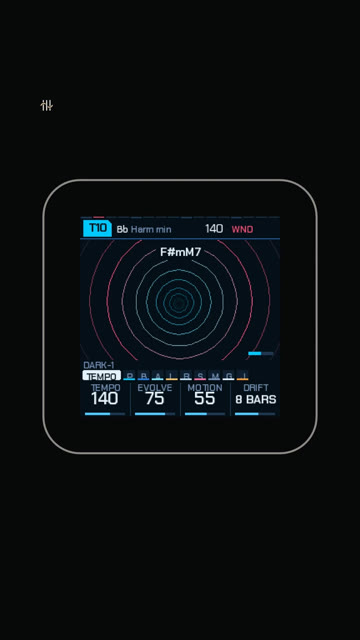 DARK-1: a groovebox that plays dark music by itself0:29 · 3 STEPS
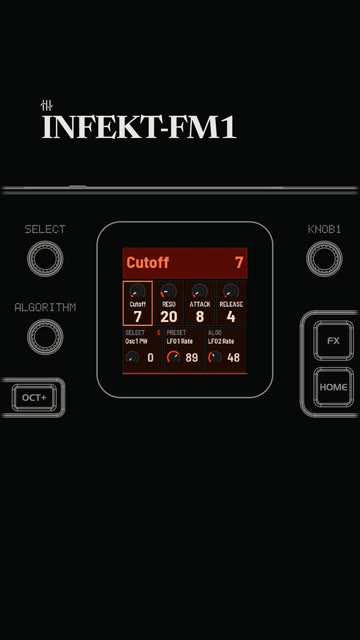 INFEKT-FM1: a virtual analog synth, compatible with Virus patches0:30 · 3 STEPS
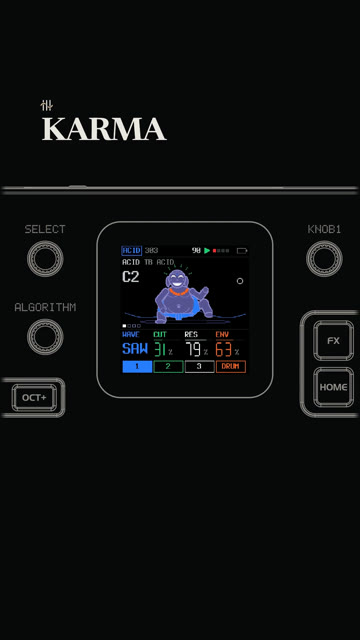 KARMA: a groovebox where every track has a character0:28 · 4 STEPS
 How to get the Casio CZ sound on the FM-1 with Melodee0:34 · 3 STEPS · MELODEE
 How to get a Prophet-5 sound on the FM-1 with Melodee0:40 · 4 STEPS · MELODEE
 How to record without quantize on the FM-1 with Melodee0:28 · 2 STEPS · MELODEE
 How to make dungeon synth on the FM-1 with GHOULBOX0:41 · 4 STEPS · GHOULBOX
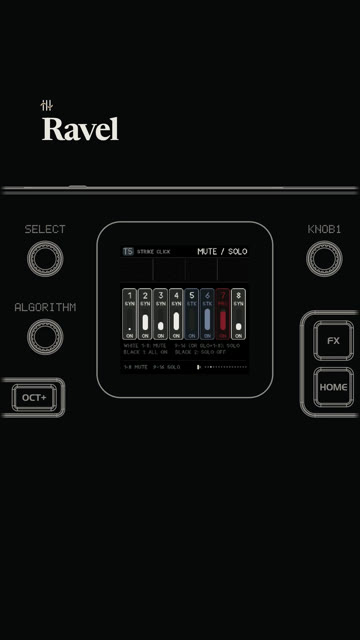 Ravel: a groovebox where tracks play other tracks0:26 · 3 STEPS
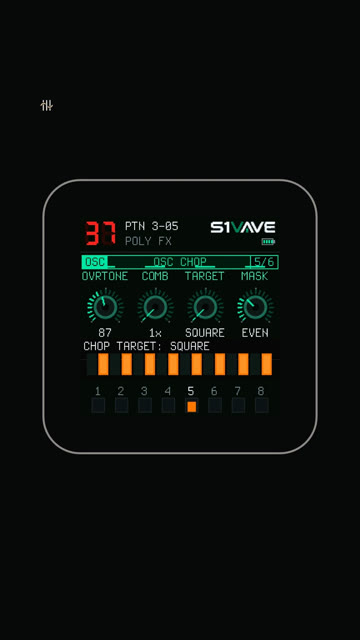 S1Vave: a wave you draw and chop as you play0:28 · 3 STEPS
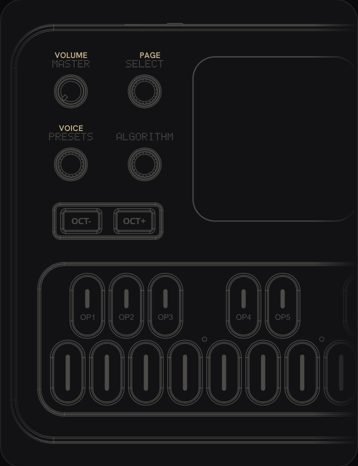 What every FM-1 control doesPick the firmware on yours, then tap any control to see what it does.
 How to add glide to one step0:38 · 3 STEPS
 How to play a random sequence0:28 · 2 STEPS
Les is independent and not affiliated with M-VAVE or the firmware authors. M-VAVE and FM-1 are trademarks of their owners.