FM-1 firmware · 1.0.3
M-PYRE
Four tracks of sampled guitar, bass and drums through amps, cabinets and pedals, with a step sequencer and song mode.
- Made by
- History Of Sky
- Released
- November 10, 2026
- Install
- On the FM-1 Firmware Hub · source on GitHub
- Scan
- Scanned, nothing harmful found · Nov 24 What we checked
- Last checked
- November 24, 2026
What M-PYRE does
- M-PYRE plays sampled guitar, palm mutes and picked bass alongside synth engines, organs, pianos, Mellotron, strings and pads.
- Five amps with GAIN, BASS, MID, TREB, presence and a compressor run through the band's own cabinet impulse responses.
- Four tracks hold drums, bass, rhythm guitar and lead, recorded live with REC or written on the NOTES page.
- The step sequencer sets palm mutes, slides, hammer-ons and accents per step, and song mode with sections A to D builds a song.
- The LIVE view puts chords, bend, vibrato, palm mute, legato, whammy, wah and volume on the four knobs.
- HEAVY KIT and the synthesised 808, 909, 606, 80S, VINTAGE, TRAP and INDUSTR kits give each drum its own level, punch, pitch and decay.
- Projects save in M-PYRE's own format and keep the drum sound settings with them.
- MIDI in and out, MIDI clock, USB audio and the web editor connect over a USB data cable.
Its modes
- LIVE view
- Tap HOME to put playing controls on the four knobs, with SOUND, PLAY and PLAY 2 groups.
- TRACKS
- Hold HOME to see the four tracks and their steps.
- AMP
- Set the amp model, cabinet, presence and the compressor before the amp.
- AMP 2
- Turn the amp panel's GAIN, BASS, MID and TREB.
- FX 1/5
- Set the mix of the drive pedal, modulation, delay and reverb on the selected track.
- MOD
- Choose phaser, flanger, chorus or tremolo and set its rate, depth and mix.
- DELAY
- Set the delay's note value, feedback, tone and the track's mix.
- REVERB
- Choose ROOM, HALL, PLATE, SPRIN or CLOUD and set size, tone and mix.
- NOTES
- Write notes step by step, with force going on past accent to palm mute.
What Les checked
M-PYRE v1.0.3Scanned November 24, 2026
What we checked for
- The file is exactly the one its author published
- It's the same file we saw when this release first came out
- It opens cleanly as an FM-1 firmware, nothing damaged
- It doesn't show up on your computer as a keyboard, mouse or other input device
- It doesn't show up as a USB drive or network adapter
- Its text mentions no computer command tools, like PowerShell, Terminal or a download command
What we found
- MIDI and audio, as expected
StatusScanned, nothing harmful found
Each firmware is its author's. Back up first, and install at your own risk. How Les scans firmware
Ask Les about your own setup
Say what you want to make and what else you use. Les gives you steps for your own gear, one at a time, and says why each one works.
To get an invite: leave your email, then join the Les Discord.
Join the Les beta
Les is a powerful creative unification platform currently under heavy development and we are interested in testers who are active, interested, and able to help shape the platform.
Free for testers.
 How to use grooves in Ableton 120:42 · 4 STEPS
 How to use the arpeggiator0:37 · 4 STEPS
 How to make a deep bass0:38 · 4 STEPS
 How to make an evolving pad0:44 · 4 STEPS
 How the Mod Matrix works0:39 · 3 STEPS
 How to morph between two versions of a pad0:40 · 4 STEPS
 How the two wave knobs on a PolyBrute oscillator work0:42 · 4 STEPS
 How to add swing0:34 · 2 STEPS
 How to change the bells on the FM-1 AMB-10:36 · 3 STEPS · AMB-1
 How to turn the FM-1 AMB-1 into a drone0:37 · 3 STEPS · AMB-1
 How to steer the melody on the FM-1 AMB-10:36 · 3 STEPS · AMB-1
 How to use the arpeggiator0:41 · 4 STEPS · STOCK
 Carnac OS: a synth drawn in standing stones0:29 · 4 STEPS · CARNAC OS
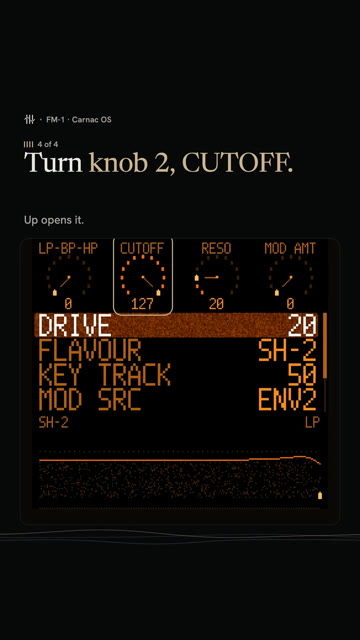 How to sweep the pad's filter in Carnac OS0:43 · 4 STEPS · CARNAC OS
 How to play a dominant 7th on the FM-1 with ChoralRoot0:33 · 3 STEPS · CHORALROOT
 How to play minor 9th chords with one finger on the FM-1 with ChoralRoot0:37 · 3 STEPS · CHORALROOT
 How to play a I-vi-IV-V on the FM-1 with ChoralRoot0:39 · 4 STEPS · CHORALROOT
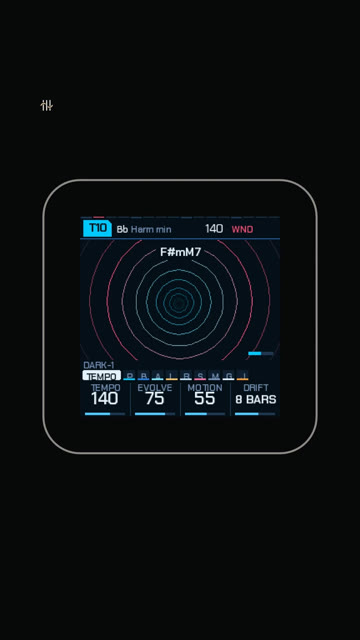 DARK-1: a groovebox that plays dark music by itself0:29 · 3 STEPS
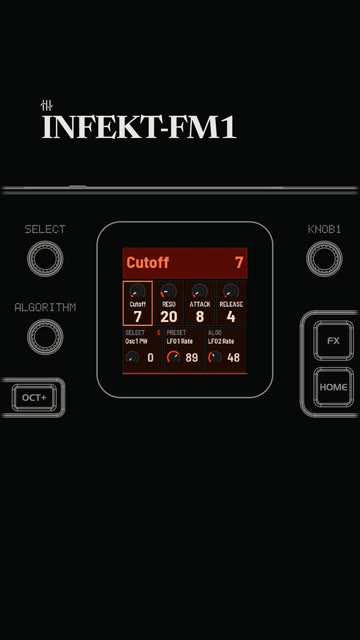 INFEKT-FM1: a virtual analog synth, compatible with Virus patches0:30 · 3 STEPS
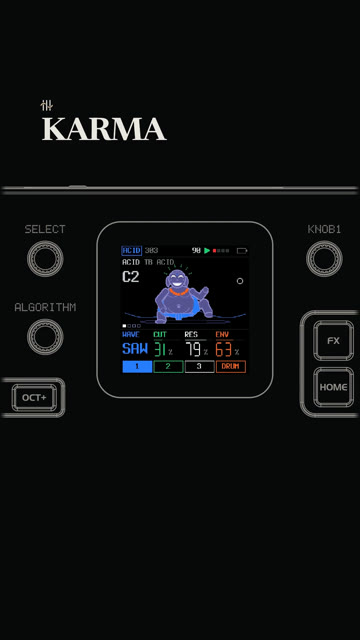 KARMA: a groovebox where every track has a character0:28 · 4 STEPS
 How to get the Casio CZ sound on the FM-1 with Melodee0:34 · 3 STEPS · MELODEE
 How to get a Prophet-5 sound on the FM-1 with Melodee0:40 · 4 STEPS · MELODEE
 How to record without quantize on the FM-1 with Melodee0:28 · 2 STEPS · MELODEE
 How to make dungeon synth on the FM-1 with GHOULBOX0:41 · 4 STEPS · GHOULBOX
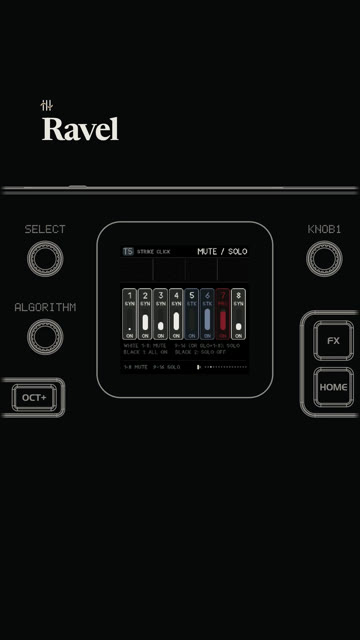 Ravel: a groovebox where tracks play other tracks0:26 · 3 STEPS
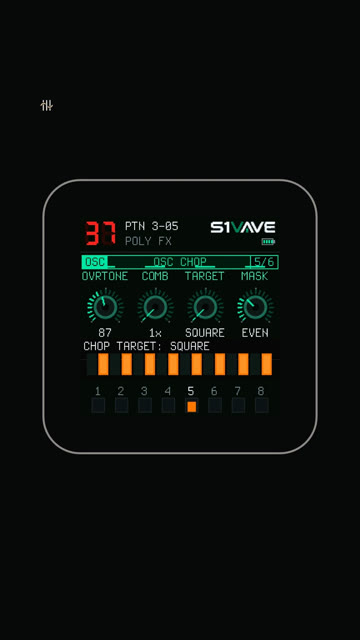 S1Vave: a wave you draw and chop as you play0:28 · 3 STEPS
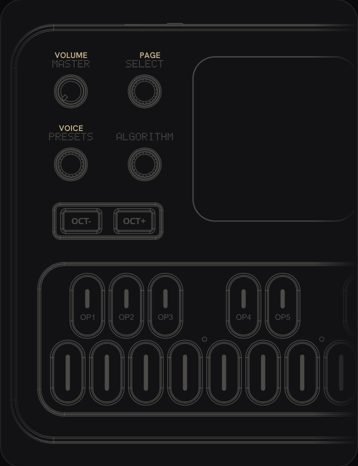 What every FM-1 control doesPick the firmware on yours, then tap any control to see what it does.
 How to add glide to one step0:38 · 3 STEPS
 How to play a random sequence0:28 · 2 STEPS
Les is independent and not affiliated with M-VAVE or the firmware authors. M-VAVE and FM-1 are trademarks of their owners.