FM-1 firmware · 0.25.2
Elixir
The Erica Synths LXR-02's sound engine and sequencer, with seven tracks, Mutable Instruments Rings and Plaits voices, generators, guided randomizers, global LFOs and a tape delay.
- Made by
- Dan Majka
- Released
- November 3, 2026
- Built on
- Felucca
- Install
- On the FM-1 Firmware Hub · source on GitHub
- Scan
- Not scanned yet What we checked
- Last checked
- November 23, 2026
What Elixir does
- Seven tracks play six drum voices with oscillators, FM, transients, filters, waveshapers and bit reduction.
- The three drum voices can swap their engine for Rings resonators, Plaits engines, MICRO clicks and grains or ENSEMBLE's eight stacked sines.
- Patterns hold seven tracks of up to 64 steps, each with its own length, clock and direction for polymeter.
- Every step takes velocity, notes, chance, trig conditions, flams, shifts, ratchets and two parameter locks.
- Generators write tracks for you with Euclid, Grids, Turing, mutation and cellular rules, and a melody generator picks the notes.
- Hold a step key and turn a knob on any sound page to lock that value to that step.
- Press REC and play to write notes and knob moves in live, and hold OCT+ to move a parameter on every track at once.
Its modes
- HOME
- Shows the grid of seven tracks by sixteen steps, where you tap keys to turn steps on and off.
- EDIT
- Opens the model, oscillator, FM and transient pages for the selected track's voice.
- ENV
- Sets the amp envelope, the gate and the mod envelope and velocity.
- SCL
- Holds the filter, the waveshaper and the track's insert effect.
- LFO
- Sets LFO 1, LFO 2, random per hit and cross modulation or choke.
- GLO
- Opens the mixer for each voice's volume, pan and sends, and the settings.
- FX
- Sets the FX bus effect, the reverb, dirt and the master compressor.
- SEQ
- Gives the track pages for generators, groove, melody and scale, and step edit on a second press.
- PERF
- Turns the keys into rolls, fills, throws, tape stop and the other live effects, plus spells and global LFOs.
- SAVE
- Saves and loads kits, sounds, patterns, songs and projects.
What Les checked
Elixir
StatusNot scanned yet
Les hasn't scanned this firmware yet.
Each firmware is its author's. Back up first, and install at your own risk. How Les scans firmware
Ask Les about your own setup
Say what you want to make and what else you use. Les gives you steps for your own gear, one at a time, and says why each one works.
To get an invite: leave your email, then join the Les Discord.
Join the Les beta
Les is a powerful creative unification platform currently under heavy development and we are interested in testers who are active, interested, and able to help shape the platform.
Free for testers.
 How to use grooves in Ableton 120:42 · 4 STEPS
 How to use the arpeggiator0:37 · 4 STEPS
 How to make a deep bass0:38 · 4 STEPS
 How to make an evolving pad0:44 · 4 STEPS
 How the Mod Matrix works0:39 · 3 STEPS
 How to morph between two versions of a pad0:40 · 4 STEPS
 How the two wave knobs on a PolyBrute oscillator work0:42 · 4 STEPS
 How to add swing0:34 · 2 STEPS
 How to change the bells on the FM-1 AMB-10:36 · 3 STEPS · AMB-1
 How to turn the FM-1 AMB-1 into a drone0:37 · 3 STEPS · AMB-1
 How to steer the melody on the FM-1 AMB-10:36 · 3 STEPS · AMB-1
 How to use the arpeggiator0:41 · 4 STEPS · STOCK
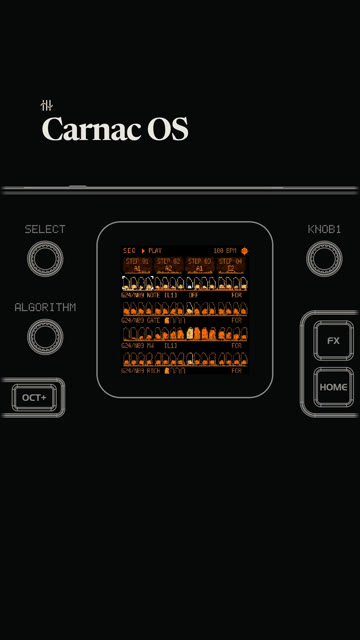 Carnac OS: a synth drawn in standing stones0:29 · 4 STEPS · CARNAC OS
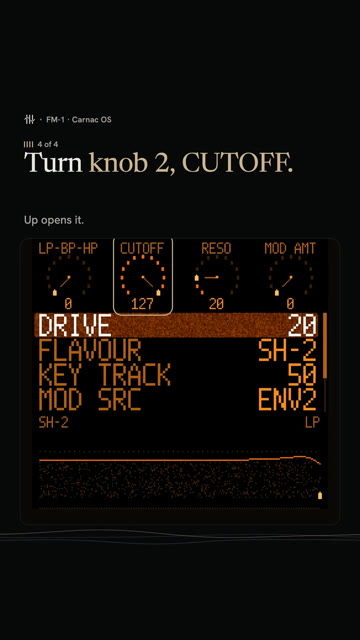 How to sweep the pad's filter in Carnac OS0:43 · 4 STEPS · CARNAC OS
 How to play a dominant 7th on the FM-1 with ChoralRoot0:33 · 3 STEPS · CHORALROOT
 How to play minor 9th chords with one finger on the FM-1 with ChoralRoot0:37 · 3 STEPS · CHORALROOT
 How to play a I-vi-IV-V on the FM-1 with ChoralRoot0:39 · 4 STEPS · CHORALROOT
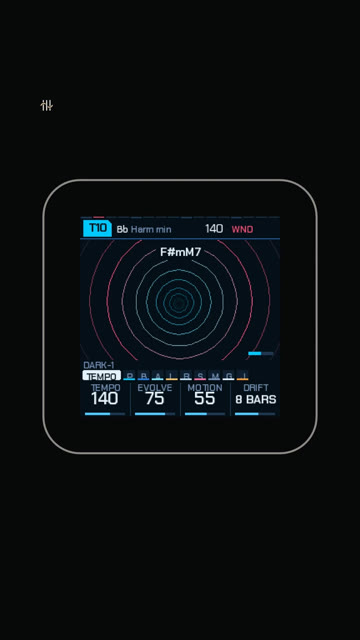 DARK-1: a groovebox that plays dark music by itself0:29 · 3 STEPS
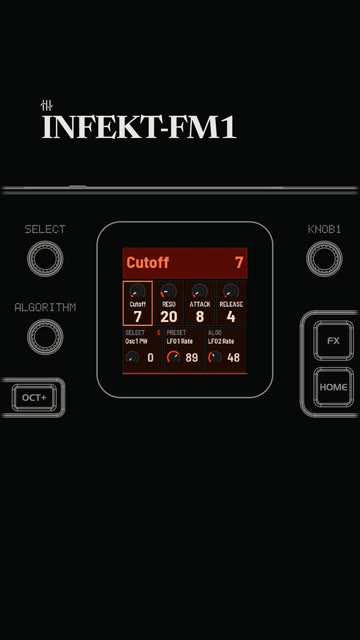 INFEKT-FM1: a virtual analog synth, compatible with Virus patches0:30 · 3 STEPS
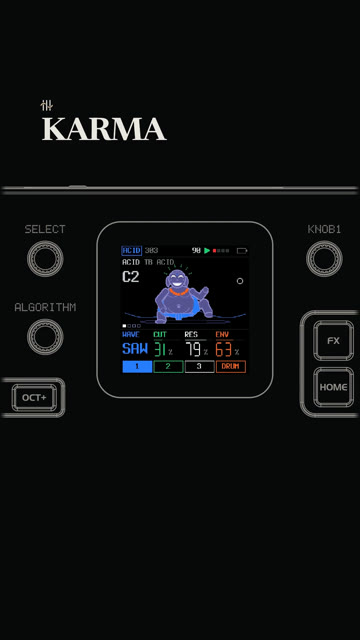 KARMA: a groovebox where every track has a character0:28 · 4 STEPS
 How to get the Casio CZ sound on the FM-1 with Melodee0:34 · 3 STEPS · MELODEE
 How to get a Prophet-5 sound on the FM-1 with Melodee0:40 · 4 STEPS · MELODEE
 How to record without quantize on the FM-1 with Melodee0:28 · 2 STEPS · MELODEE
 How to make dungeon synth on the FM-1 with GHOULBOX0:41 · 4 STEPS · GHOULBOX
 Ravel: a groovebox where tracks play other tracks0:26 · 3 STEPS
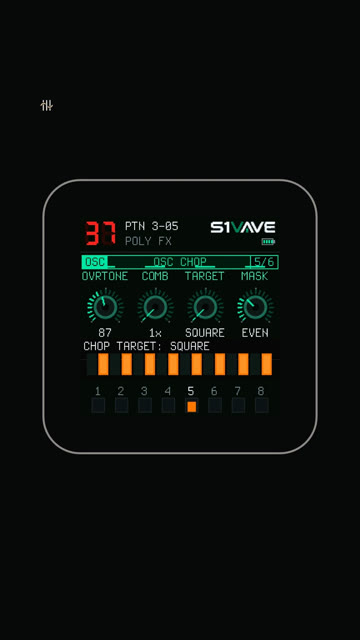 S1Vave: a wave you draw and chop as you play0:28 · 3 STEPS
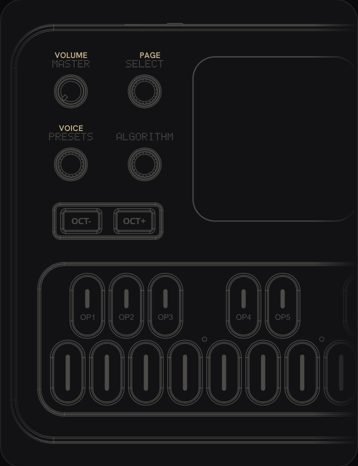 What every FM-1 control doesPick the firmware on yours, then tap any control to see what it does.
 How to add glide to one step0:38 · 3 STEPS
 How to play a random sequence0:28 · 2 STEPS
Les is independent and not affiliated with M-VAVE or the firmware authors. M-VAVE and FM-1 are trademarks of their owners.