FM-1 firmware · 0.1.3-beta
SATIE-1
Ten Satie scores replayed as evolving electronic arrangements in five moods, with instrument pages, vinyl colour and tempo-synced delay.
- Made by
- OCKM Studio
- Released
- November 10, 2026
- Install
- On the FM-1 Firmware Hub · source on GitHub
- Scan
- Not scanned yet What we checked
- Last checked
- November 23, 2026
What SATIE-1 does
- Ten Satie score reductions play as evolving electronic arrangements: Gymnopedies 1-3, Gnossiennes 1-3 and Ogives 1-4.
- Five moods recolour the music: After Hours, Ibiza Chill, Orbit, Blue Note and Ghost.
- PRESET picks the tune, SELECT picks the mood, and confirmed changes begin on the next bar.
- Home's four knobs set Tempo, Energy, Evolve and Mix, blending Solo, Duet and Trio arrangements.
- Evolve changes the lead treatment every eight bars, and REC holds or releases the current eight-bar passage.
- ALGORITHM steps through Lead, Bass, Drums, Layers, Colour, Delay and Space pages, with EDIT resetting only the shown page.
- SAVE keeps one favourite including every instrument and FX setting, recalled from the final GLO guide page with SEL.
- A self-contained SATIE-1.html preview plays the same engine in a browser, with favourites kept separate from the device.
Its modes
- Tune browser
- Press SEL to browse the Gymnopedies, Gnossiennes and Ogives collections and confirm a tune that starts on the next bar.
- Home
- Set Tempo, Energy, Evolve and Mix, and press EDIT here for a fresh track seed.
- Lead
- Shape the lead voice with Tone, Character, Space and Level.
- Bass
- Adjust bass Tone, Attack, Length and Level.
- Drums
- Set drum Tone, Swing, Pattern and Level, choosing Sparse, Steady, Mood, Broken or Busy.
- Layers
- Balance the third voice and background atmosphere with Space and Level.
- Colour
- Pick Clean, Vinyl, Tape or Grit and dial in Amount, Wobble and Dust.
- Delay
- Set echo Time, Repeats, Tone and Wet, synced to the tempo.
- Space
- Shape Reverb, Size, Tone and stereo Width.
What Les checked
SATIE-1
StatusNot scanned yet
Les hasn't scanned this firmware yet.
Each firmware is its author's. Back up first, and install at your own risk. How Les scans firmware
Ask Les about your own setup
Say what you want to make and what else you use. Les gives you steps for your own gear, one at a time, and says why each one works.
To get an invite: leave your email, then join the Les Discord.
Join the Les beta
Les is a powerful creative unification platform currently under heavy development and we are interested in testers who are active, interested, and able to help shape the platform.
Free for testers.
 How to use grooves in Ableton 120:42 · 4 STEPS
 How to use the arpeggiator0:37 · 4 STEPS
 How to make a deep bass0:38 · 4 STEPS
 How to make an evolving pad0:44 · 4 STEPS
 How the Mod Matrix works0:39 · 3 STEPS
 How to morph between two versions of a pad0:40 · 4 STEPS
 How the two wave knobs on a PolyBrute oscillator work0:42 · 4 STEPS
 How to add swing0:34 · 2 STEPS
 How to change the bells on the FM-1 AMB-10:36 · 3 STEPS · AMB-1
 How to turn the FM-1 AMB-1 into a drone0:37 · 3 STEPS · AMB-1
 How to steer the melody on the FM-1 AMB-10:36 · 3 STEPS · AMB-1
 How to use the arpeggiator0:41 · 4 STEPS · STOCK
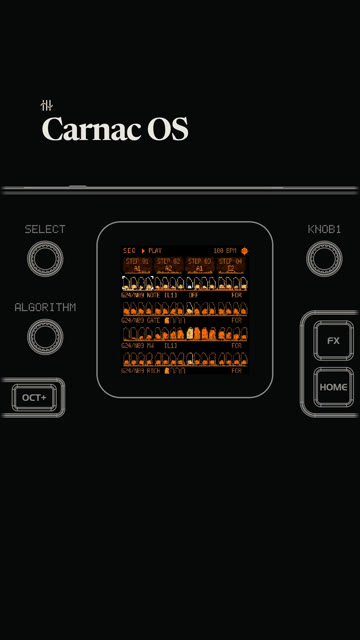 Carnac OS: a synth drawn in standing stones0:29 · 4 STEPS · CARNAC OS
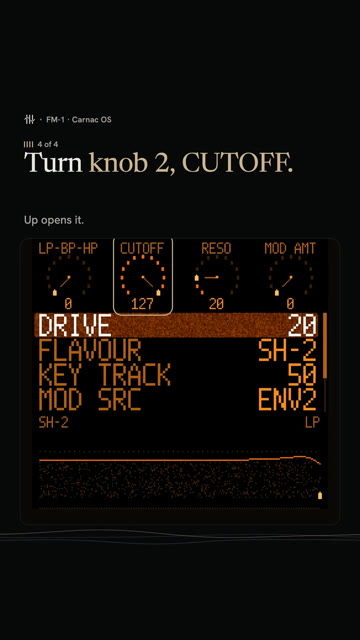 How to sweep the pad's filter in Carnac OS0:43 · 4 STEPS · CARNAC OS
 How to play a dominant 7th on the FM-1 with ChoralRoot0:33 · 3 STEPS · CHORALROOT
 How to play minor 9th chords with one finger on the FM-1 with ChoralRoot0:37 · 3 STEPS · CHORALROOT
 How to play a I-vi-IV-V on the FM-1 with ChoralRoot0:39 · 4 STEPS · CHORALROOT
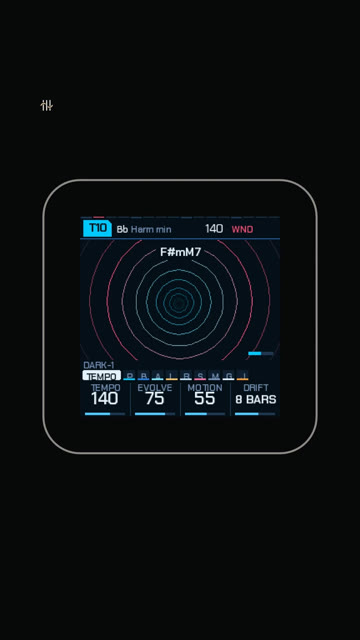 DARK-1: a groovebox that plays dark music by itself0:29 · 3 STEPS
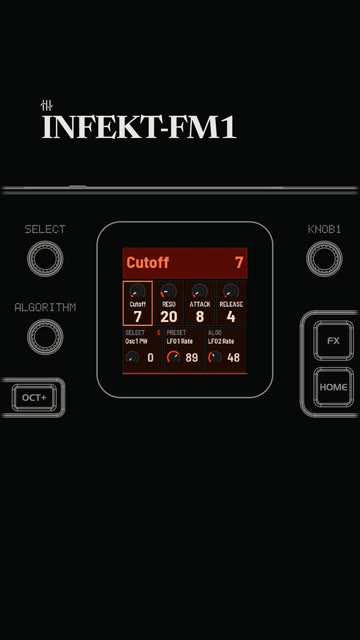 INFEKT-FM1: a virtual analog synth, compatible with Virus patches0:30 · 3 STEPS
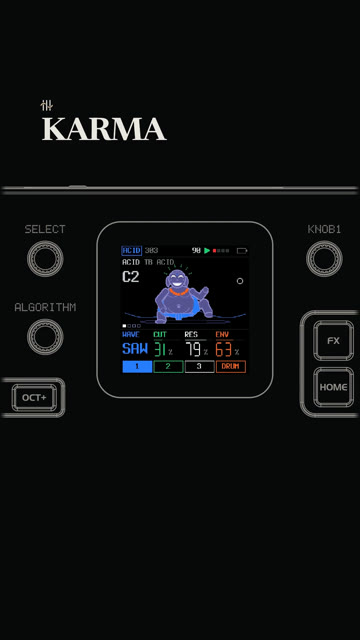 KARMA: a groovebox where every track has a character0:28 · 4 STEPS
 How to get the Casio CZ sound on the FM-1 with Melodee0:34 · 3 STEPS · MELODEE
 How to get a Prophet-5 sound on the FM-1 with Melodee0:40 · 4 STEPS · MELODEE
 How to record without quantize on the FM-1 with Melodee0:28 · 2 STEPS · MELODEE
 How to make dungeon synth on the FM-1 with GHOULBOX0:41 · 4 STEPS · GHOULBOX
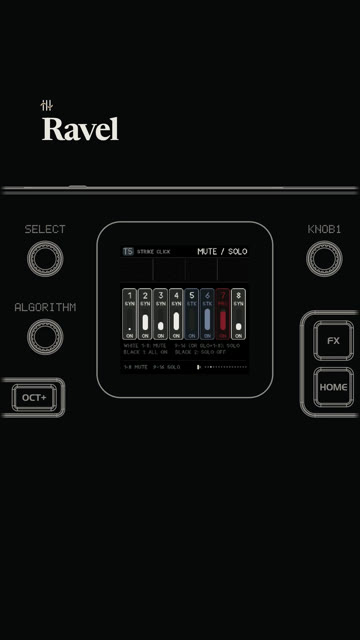 Ravel: a groovebox where tracks play other tracks0:26 · 3 STEPS
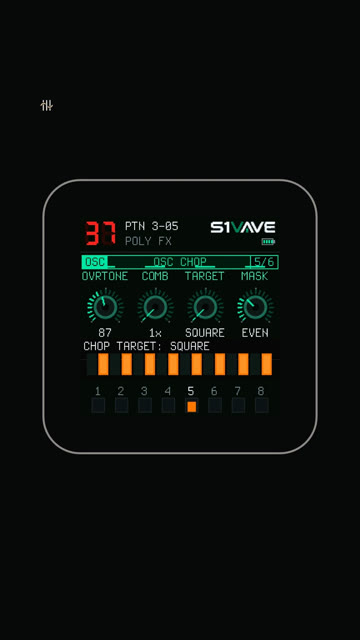 S1Vave: a wave you draw and chop as you play0:28 · 3 STEPS
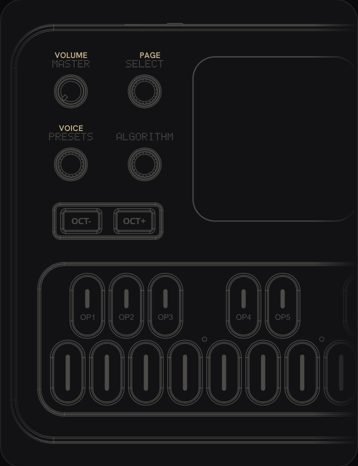 What every FM-1 control doesPick the firmware on yours, then tap any control to see what it does.
 How to add glide to one step0:38 · 3 STEPS
 How to play a random sequence0:28 · 2 STEPS
Les is independent and not affiliated with M-VAVE or the firmware authors. M-VAVE and FM-1 are trademarks of their owners.