FM-1 firmware · 0.6.0
Veffbox
Four tracks of FM, analog and drum sounds, strummed chord sequences and an effects chain, each resample becoming the next source.
- Made by
- Veff (galfaroth)
- Released
- November 8, 2026
- Install
- On the FM-1 Firmware Hub · source on GitHub
- Scan
- Not scanned yet What we checked
- Last checked
- November 23, 2026
What Veffbox does
- Build one sound from six sources: OP4 four-operator FM, two-oscillator ANLG, eight-voice DRUM, or the resample as SAMP, GRAN or CHOP.
- REC resamples the whole chain from any page, and that recording becomes the next source.
- Play from the keys, as a 16-step line, or as a chord sequence with exact notes and seven strums.
- Six LFOs and three envelopes each reach four destinations: press SEL, then turn the knob you want to move.
- Stack up to eight effects from 13 types in any order, or press SEL to scramble a new chain.
- SEL rolls the current page, CHAOS on GLO sets how far it goes, and holding SEL takes the rolls back.
- The bank keeps 64 sounds with their generation trees in the FM-1's flash, and REBUILD re-renders any generation bit for bit.
- Four tracks sound at once from one PLAY, with USB audio out at full level and USB MIDI notes playing the sound.
Its modes
- SRC
- Pick the source with SELECT (OP4, ANLG, DRUM, SAMP, GRAN, CHOP) and shape it with the four knobs.
- PLAY
- Choose NOTE, SEQ or CHORD, edit the selected step and set the strum.
- MOD
- Pick one of the 6 LFOs or 3 envelopes and give it up to four destinations.
- FX
- Build the chain of up to 8 effect slots, setting type, amounts, MIX and position.
- HOME
- Set how the resample records: LEN, START, NORM, AFTER, TAIL and FMT.
- SAVE
- Browse the sound's generation tree and run LOAD, EDIT or REBUILD on a generation.
- GLO
- Set what the tracks share: BPM, CHAOS, CHORDS and a MUTE per track.
What Les checked
Veffbox
StatusNot scanned yet
Les hasn't scanned this firmware yet.
Each firmware is its author's. Back up first, and install at your own risk. How Les scans firmware
Ask Les about your own setup
Say what you want to make and what else you use. Les gives you steps for your own gear, one at a time, and says why each one works.
To get an invite: leave your email, then join the Les Discord.
Join the Les beta
Les is a powerful creative unification platform currently under heavy development and we are interested in testers who are active, interested, and able to help shape the platform.
Free for testers.
 How to use grooves in Ableton 120:42 · 4 STEPS
 How to use the arpeggiator0:37 · 4 STEPS
 How to make a deep bass0:38 · 4 STEPS
 How to make an evolving pad0:44 · 4 STEPS
 How the Mod Matrix works0:39 · 3 STEPS
 How to morph between two versions of a pad0:40 · 4 STEPS
 How the two wave knobs on a PolyBrute oscillator work0:42 · 4 STEPS
 How to add swing0:34 · 2 STEPS
 How to change the bells on the FM-1 AMB-10:36 · 3 STEPS · AMB-1
 How to turn the FM-1 AMB-1 into a drone0:37 · 3 STEPS · AMB-1
 How to steer the melody on the FM-1 AMB-10:36 · 3 STEPS · AMB-1
 How to use the arpeggiator0:41 · 4 STEPS · STOCK
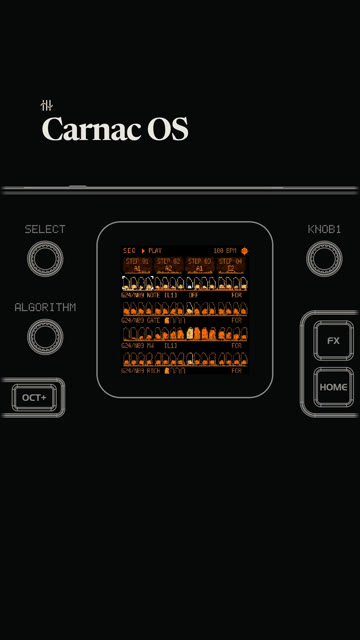 Carnac OS: a synth drawn in standing stones0:29 · 4 STEPS · CARNAC OS
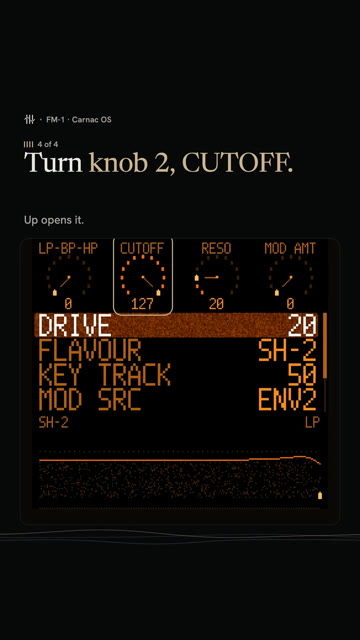 How to sweep the pad's filter in Carnac OS0:43 · 4 STEPS · CARNAC OS
 How to play a dominant 7th on the FM-1 with ChoralRoot0:33 · 3 STEPS · CHORALROOT
 How to play minor 9th chords with one finger on the FM-1 with ChoralRoot0:37 · 3 STEPS · CHORALROOT
 How to play a I-vi-IV-V on the FM-1 with ChoralRoot0:39 · 4 STEPS · CHORALROOT
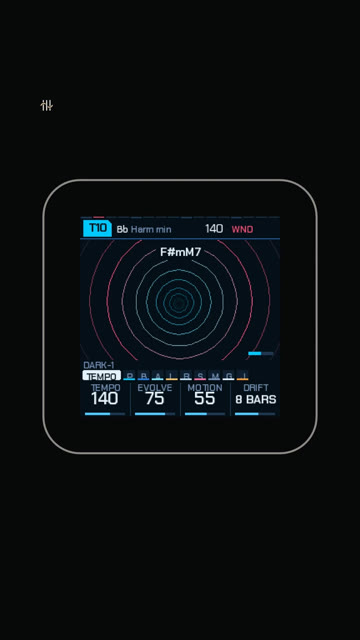 DARK-1: a groovebox that plays dark music by itself0:29 · 3 STEPS
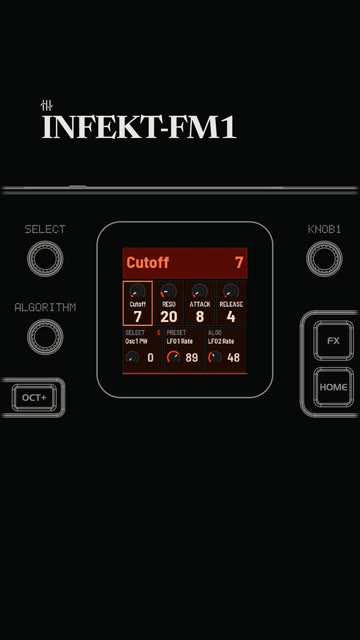 INFEKT-FM1: a virtual analog synth, compatible with Virus patches0:30 · 3 STEPS
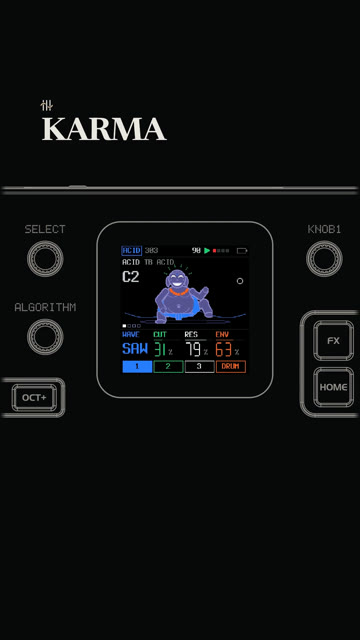 KARMA: a groovebox where every track has a character0:28 · 4 STEPS
 How to get the Casio CZ sound on the FM-1 with Melodee0:34 · 3 STEPS · MELODEE
 How to get a Prophet-5 sound on the FM-1 with Melodee0:40 · 4 STEPS · MELODEE
 How to record without quantize on the FM-1 with Melodee0:28 · 2 STEPS · MELODEE
 How to make dungeon synth on the FM-1 with GHOULBOX0:41 · 4 STEPS · GHOULBOX
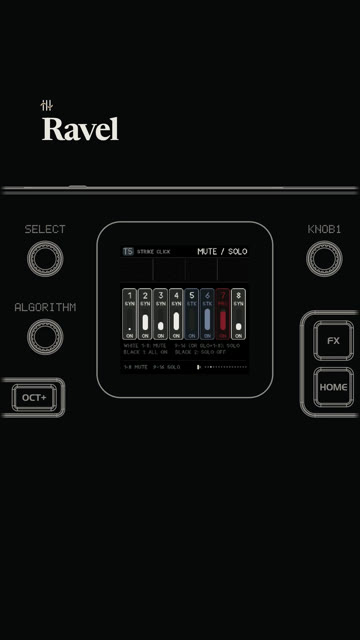 Ravel: a groovebox where tracks play other tracks0:26 · 3 STEPS
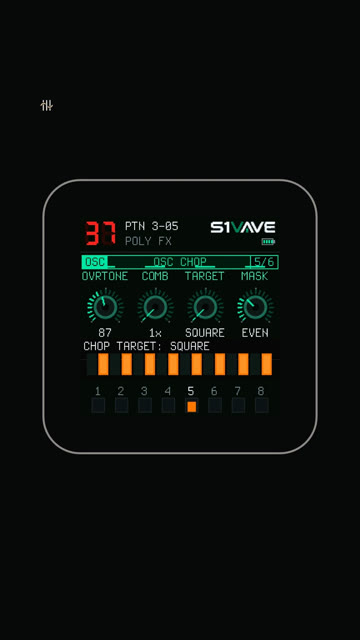 S1Vave: a wave you draw and chop as you play0:28 · 3 STEPS
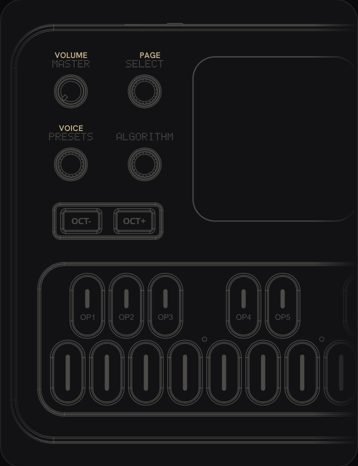 What every FM-1 control doesPick the firmware on yours, then tap any control to see what it does.
 How to add glide to one step0:38 · 3 STEPS
 How to play a random sequence0:28 · 2 STEPS
Les is independent and not affiliated with M-VAVE or the firmware authors. M-VAVE and FM-1 are trademarks of their owners.