FM-1 firmware · 0.9.0
FM-1 Chimera Vocal
A modelled voice that sings a syllable a key, holds vowels you shape with the knobs, beatboxes and plays animal calls.
- Made by
- Shan-Sherif
- Released
- November 21, 2026
- Install
- On the FM-1 Firmware Hub · source on GitHub
- Scan
- Not scanned yet What we checked
- Last checked
- November 23, 2026
What FM-1 Chimera Vocal does
- Every sound comes from a simulated airway: lungs, vocal folds, throat, mouth and nose, never samples.
- In WORDS each key sings the next syllable of your line, and PLAY speaks the whole line aloud.
- VOWEL holds a sung vowel while Front, Open, Nasal and Round move the mouth, with twelve snapshots under FX.
- ENV sings a word slot on its own to Dreamy, Joyful, Somber, Playful, Gentle or Twinkle, with tempo, key and vibrato.
- SEQ makes the same mouth beatbox: ten drum sounds, eight beats and a sixteen-step sequencer you write on the FM-1.
- LFO swaps the human voice for a seal, songbird, alligator or elephant, playable on the keys with their own calls.
- Five knob pages shape vibrato, jaw, lips, tongue, breath and folds, ALGORITHM picks male, female or child, and SAVE keeps it all.
- EDIT types words a letter a key, the Studio sends eight slots over USB, and MIDI in plays the voice.
Its modes
- WORDS
- Each key sings the next syllable of the word slot at the key's pitch, and PLAY speaks the line.
- VOWEL
- The keys play pitch while the knobs move the mouth through the vowels, with twelve vowel snapshots under FX.
- SING
- The FM-1 sings a whole word slot by itself on one of six tunes.
- Beatbox
- The keys become ten beatbox drum sounds with eight beats running on a sixteen-step sequencer.
- STEP EDIT
- You move a cursor across the grid and write each sound, accent or rest into the beat's steps.
- Bestiary
- The keys play a seal, songbird, alligator or elephant, each with its own calls and settings.
- The word editor
- You type the eight word slots on the keys in A-Z or QWERTY layout.
- The debug page
- You watch each core's timing and audio load while the voice, the beat or a tune plays.
What Les checked
FM-1 Chimera Vocal
StatusNot scanned yet
Les hasn't scanned this firmware yet.
Each firmware is its author's. Back up first, and install at your own risk. How Les scans firmware
Ask Les about your own setup
Say what you want to make and what else you use. Les gives you steps for your own gear, one at a time, and says why each one works.
To get an invite: leave your email, then join the Les Discord.
Join the Les beta
Les is a powerful creative unification platform currently under heavy development and we are interested in testers who are active, interested, and able to help shape the platform.
Free for testers.
 How to use grooves in Ableton 120:42 · 4 STEPS
 How to use the arpeggiator0:37 · 4 STEPS
 How to make a deep bass0:38 · 4 STEPS
 How to make an evolving pad0:44 · 4 STEPS
 How the Mod Matrix works0:39 · 3 STEPS
 How to morph between two versions of a pad0:40 · 4 STEPS
 How the two wave knobs on a PolyBrute oscillator work0:42 · 4 STEPS
 How to add swing0:34 · 2 STEPS
 How to change the bells on the FM-1 AMB-10:36 · 3 STEPS · AMB-1
 How to turn the FM-1 AMB-1 into a drone0:37 · 3 STEPS · AMB-1
 How to steer the melody on the FM-1 AMB-10:36 · 3 STEPS · AMB-1
 How to use the arpeggiator0:41 · 4 STEPS · STOCK
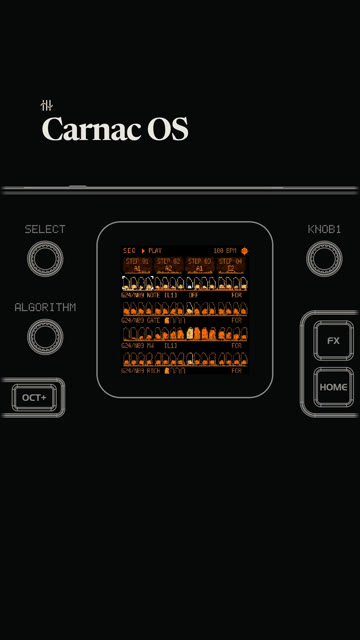 Carnac OS: a synth drawn in standing stones0:29 · 4 STEPS · CARNAC OS
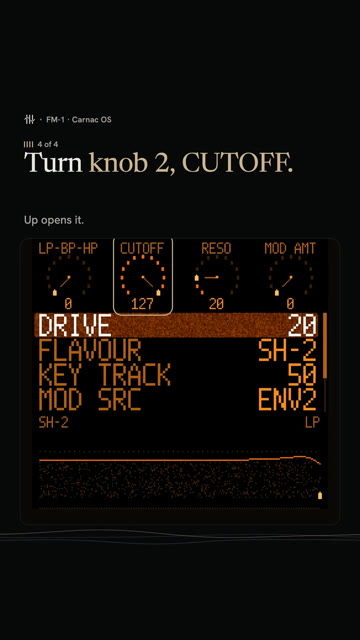 How to sweep the pad's filter in Carnac OS0:43 · 4 STEPS · CARNAC OS
 How to play a dominant 7th on the FM-1 with ChoralRoot0:33 · 3 STEPS · CHORALROOT
 How to play minor 9th chords with one finger on the FM-1 with ChoralRoot0:37 · 3 STEPS · CHORALROOT
 How to play a I-vi-IV-V on the FM-1 with ChoralRoot0:39 · 4 STEPS · CHORALROOT
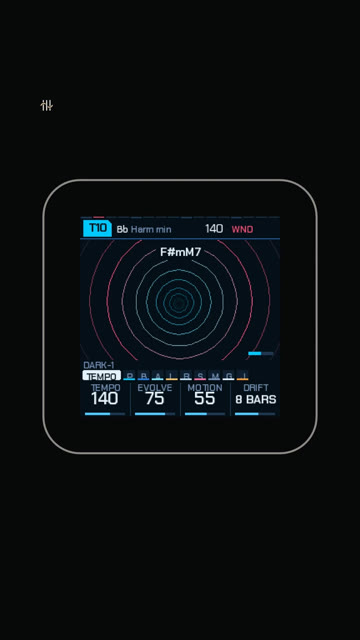 DARK-1: a groovebox that plays dark music by itself0:29 · 3 STEPS
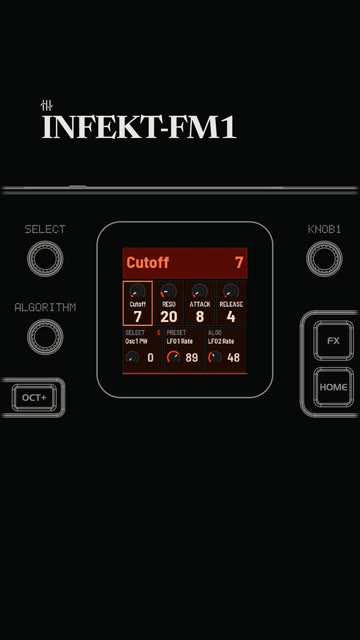 INFEKT-FM1: a virtual analog synth, compatible with Virus patches0:30 · 3 STEPS
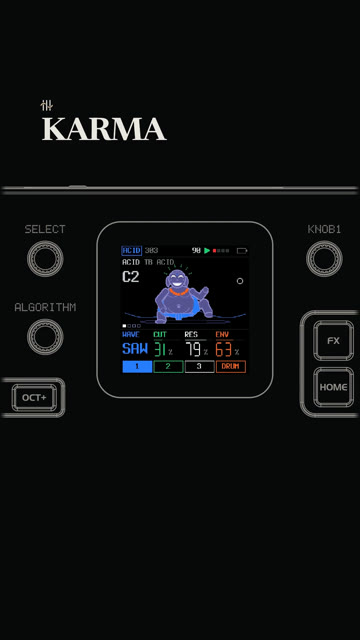 KARMA: a groovebox where every track has a character0:28 · 4 STEPS
 How to get the Casio CZ sound on the FM-1 with Melodee0:34 · 3 STEPS · MELODEE
 How to get a Prophet-5 sound on the FM-1 with Melodee0:40 · 4 STEPS · MELODEE
 How to record without quantize on the FM-1 with Melodee0:28 · 2 STEPS · MELODEE
 How to make dungeon synth on the FM-1 with GHOULBOX0:41 · 4 STEPS · GHOULBOX
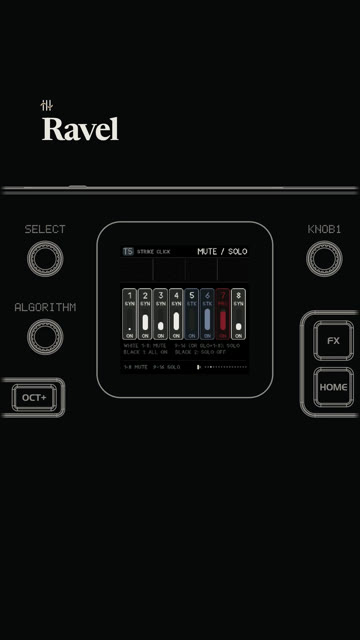 Ravel: a groovebox where tracks play other tracks0:26 · 3 STEPS
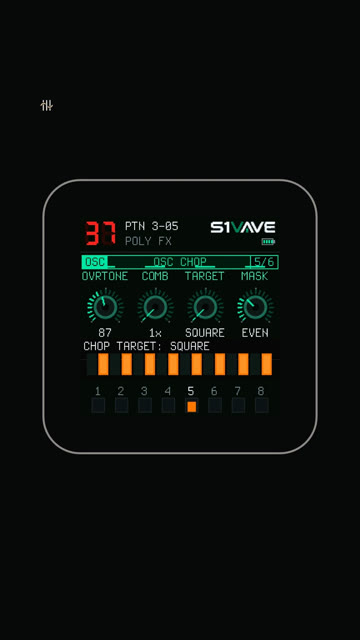 S1Vave: a wave you draw and chop as you play0:28 · 3 STEPS
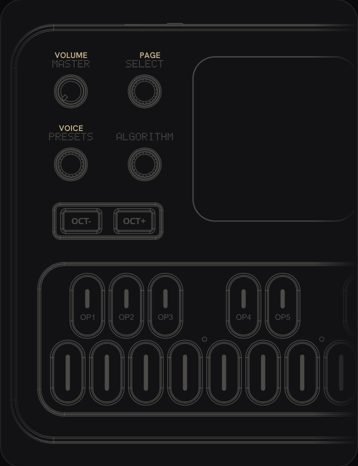 What every FM-1 control doesPick the firmware on yours, then tap any control to see what it does.
 How to add glide to one step0:38 · 3 STEPS
 How to play a random sequence0:28 · 2 STEPS
Les is independent and not affiliated with M-VAVE or the firmware authors. M-VAVE and FM-1 are trademarks of their owners.