FM-1 firmware · 2.6.0
FMini-1
A Minimoog Model D voice playing mono or twelve voices, with oscillator, filter and effects pages, an arpeggiator, a sequencer and 200 presets.
- Made by
- Ruppert
- Released
- November 15, 2026
- Built on
- Felucca
- Install
- source on GitHub
- Scan
- Not scanned yet What we checked
- Last checked
- November 24, 2026
What FMini-1 does
- FMini-1 models the Minimoog Model D, with three oscillators, a softly overloading mixer and a self-oscillating 24 dB/oct ladder filter.
- Play it monophonically like the original, or polyphonically with twelve voices.
- Two hundred factory presets cover hard and soft leads, basses, pads, strings, brass, plucks, keys, atmospheres and sound effects.
- Every preset carries its own reverb, delay, chorus and drive, with five reverbs, seven delays, three choruses and two drives.
- The sequencer records up to 64 notes with REC and plays them with PLAY, the key LEDs or SMK-37 pads lighting each note.
- Save a sound to any slot from 000 to 199, naming it with the encoders, and the slot's old sound is replaced.
- MIDI arrives over USB and over TRS on the FM-1, with channel filter, clock for ARP and SEQ, pitch bend and mod wheel vibrato.
- Edit sounds and presets in a browser editor connected to the keyboard over USB.
Its modes
- CTRL
- Set master tune, glide, modulation amount and LFO rate, with the MOD OSC, MOD FLT, GLIDE and LFO SQR switches.
- OSC
- Set the three oscillators, their ranges from LO to 2', their waveforms and the detune of oscillators 2 and 3.
- MIX
- Balance the oscillators into the mixer, which overloads softly.
- FILT
- Shape the four-pole ladder filter with cutoff read from -5 to +5 and emphasis that self-oscillates from 8 up.
- F.ENV
- Set the filter contour's attack, decay and sustain.
- A.ENV
- Set the loudness contour's attack, decay and sustain.
- FX
- Edit reverb, delay, chorus and drive, pressing FX again to move from one effect to the next.
- ARP
- Set the arpeggiator mode, rate, octaves, gate, HOLD and tempo.
- SEQ
- Record notes into 64 slots, leave rests or erase with SELECT, and set the tempo with an encoder.
- Save preset
- Pick a slot from 000 to 199, type the name with the encoders and press SAVE.
What Les checked
FMini-1 v2.6.0Last scanned: v2.1.0, November 15, 2026
What we checked for
- The file is exactly the one its author published
- It's the same file we saw when this release first came out
- It opens cleanly as an FM-1 firmware, nothing damaged
- It doesn't show up on your computer as a keyboard, mouse or other input device
- It doesn't show up as a USB drive or network adapter
- Its text mentions no computer command tools, like PowerShell, Terminal or a download command
What we found
- MIDI and audio, as expected
- A serial port, which many FM-1 firmwares keep for debugging. It can't type into your computer.
StatusNot scanned yet
We couldn't tell which file in this release is the FM-1 one, so we didn't scan it.
Each firmware is its author's. Back up first, and install at your own risk. How Les scans firmware
Ask Les about your own setup
Say what you want to make and what else you use. Les gives you steps for your own gear, one at a time, and says why each one works.
To get an invite: leave your email, then join the Les Discord.
Join the Les beta
Les is a powerful creative unification platform currently under heavy development and we are interested in testers who are active, interested, and able to help shape the platform.
Free for testers.
 How to use grooves in Ableton 120:42 · 4 STEPS
 How to use the arpeggiator0:37 · 4 STEPS
 How to make a deep bass0:38 · 4 STEPS
 How to make an evolving pad0:44 · 4 STEPS
 How the Mod Matrix works0:39 · 3 STEPS
 How to morph between two versions of a pad0:40 · 4 STEPS
 How the two wave knobs on a PolyBrute oscillator work0:42 · 4 STEPS
 How to add swing0:34 · 2 STEPS
 How to change the bells on the FM-1 AMB-10:36 · 3 STEPS · AMB-1
 How to turn the FM-1 AMB-1 into a drone0:37 · 3 STEPS · AMB-1
 How to steer the melody on the FM-1 AMB-10:36 · 3 STEPS · AMB-1
 How to use the arpeggiator0:41 · 4 STEPS · STOCK
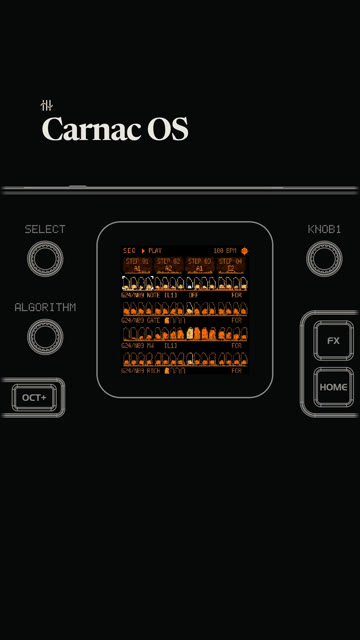 Carnac OS: a synth drawn in standing stones0:29 · 4 STEPS · CARNAC OS
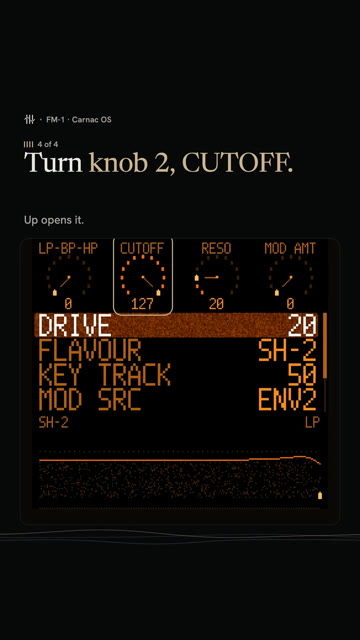 How to sweep the pad's filter in Carnac OS0:43 · 4 STEPS · CARNAC OS
 How to play a dominant 7th on the FM-1 with ChoralRoot0:33 · 3 STEPS · CHORALROOT
 How to play minor 9th chords with one finger on the FM-1 with ChoralRoot0:37 · 3 STEPS · CHORALROOT
 How to play a I-vi-IV-V on the FM-1 with ChoralRoot0:39 · 4 STEPS · CHORALROOT
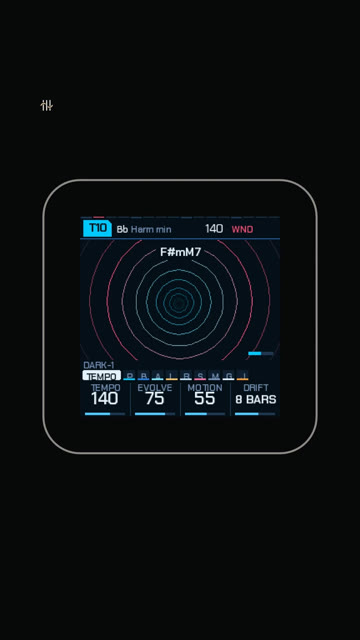 DARK-1: a groovebox that plays dark music by itself0:29 · 3 STEPS
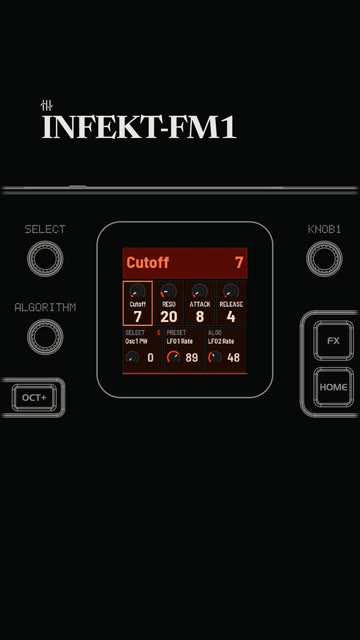 INFEKT-FM1: a virtual analog synth, compatible with Virus patches0:30 · 3 STEPS
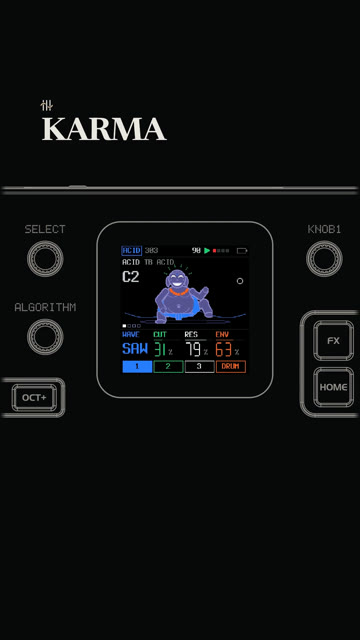 KARMA: a groovebox where every track has a character0:28 · 4 STEPS
 How to get the Casio CZ sound on the FM-1 with Melodee0:34 · 3 STEPS · MELODEE
 How to get a Prophet-5 sound on the FM-1 with Melodee0:40 · 4 STEPS · MELODEE
 How to record without quantize on the FM-1 with Melodee0:28 · 2 STEPS · MELODEE
 How to make dungeon synth on the FM-1 with GHOULBOX0:41 · 4 STEPS · GHOULBOX
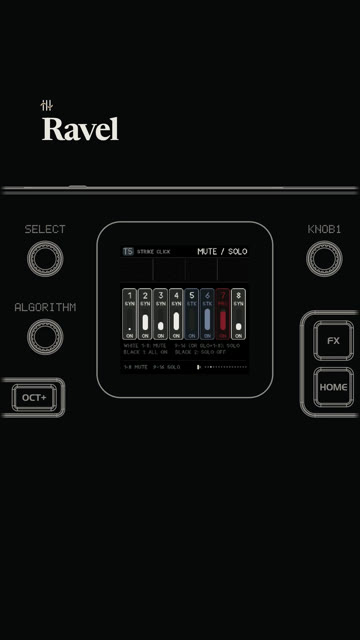 Ravel: a groovebox where tracks play other tracks0:26 · 3 STEPS
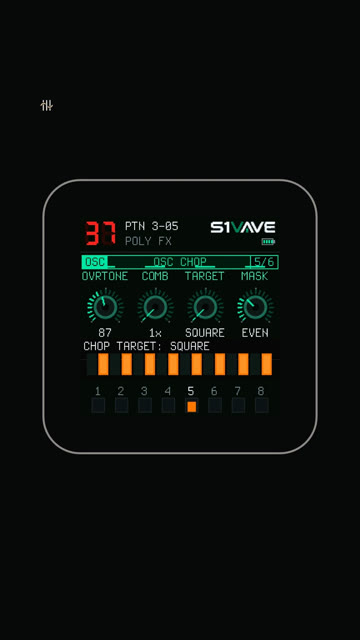 S1Vave: a wave you draw and chop as you play0:28 · 3 STEPS
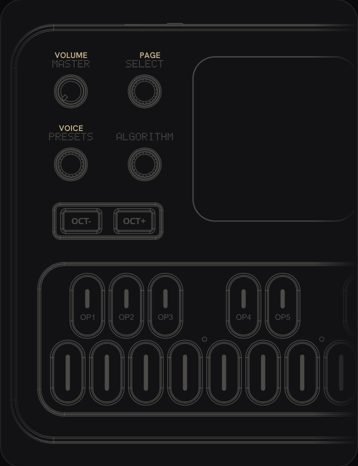 What every FM-1 control doesPick the firmware on yours, then tap any control to see what it does.
 How to add glide to one step0:38 · 3 STEPS
 How to play a random sequence0:28 · 2 STEPS
Les is independent and not affiliated with M-VAVE or the firmware authors. M-VAVE and FM-1 are trademarks of their owners.