fm1-dock: one firmware, many synths
fm1-dock 0.9.0 · Nov 26, 2026
fm1-dock turns your FM-1 into a dock for synths: it is installed once, the synths live in its flash, and you swap between them on the FM-1 with HOME, with no reinstall. Three come with it, each its own maker's program with its own screen and sound: CS-1 by twochannels, a CS-80-style polysynth; Scintilla by Joakim Eriksson, the 1981 Elka Synthex; and OberVave by zvenson, a four-track poly. A sine is built in.
On a new install the sine starts first, and a tap on HOME opens the list; after that, fm1-dock starts whatever played last. Inside most synths, hold HOME alone for a second and a half to open the list. Then use the controls below, turning PRESETS and pressing PLAY, and play the keys to hear each synth the film shows.
Three steps
In the list, turn PRESETS, then press PLAY.
Another synth, no reinstall.
0:04Hold HOME.
Back to the list.
0:08Turn PRESETS, then press PLAY.
Each one brings its own screen and sound.
0:11
Get fm1-dock
- Made by
- Joakim Eriksson
- Released
- November 15, 2026
- Scan
- Not scanned yet What we checked
- Last checked
- November 29, 2026
Ask Les about your own setup
Say what you want to make and what else you use. Les gives you steps for your own gear, one at a time, and says why each one works.
To get an invite: leave your email, then join the Les Discord.
Join the Les beta
Les is a powerful creative unification platform currently under heavy development and we are interested in testers who are active, interested, and able to help shape the platform.
Free for testers.
 How to use grooves in Ableton 120:42 · 4 STEPS
 How to use the arpeggiator0:37 · 4 STEPS
 How to make a deep bass0:38 · 4 STEPS
 How to make an evolving pad0:44 · 4 STEPS
 How the Mod Matrix works0:39 · 3 STEPS
 How to morph between two versions of a pad0:40 · 4 STEPS
 How the two wave knobs on a PolyBrute oscillator work0:42 · 4 STEPS
 How to add swing0:34 · 2 STEPS
 How to change the bells on the FM-1 AMB-10:36 · 3 STEPS · AMB-1
 How to turn the FM-1 AMB-1 into a drone0:37 · 3 STEPS · AMB-1
 How to steer the melody on the FM-1 AMB-10:36 · 3 STEPS · AMB-1
 How to use the arpeggiator0:41 · 4 STEPS · STOCK
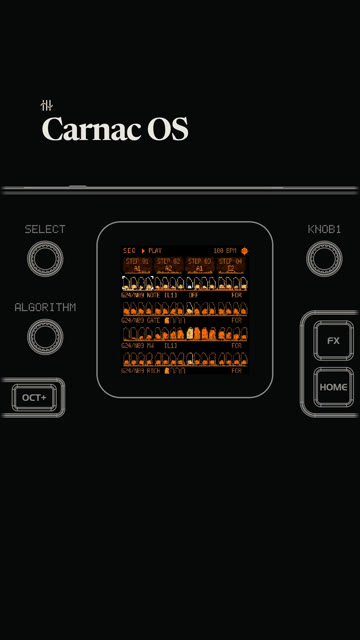 Carnac OS: a synth drawn in standing stones0:29 · 4 STEPS · CARNAC OS
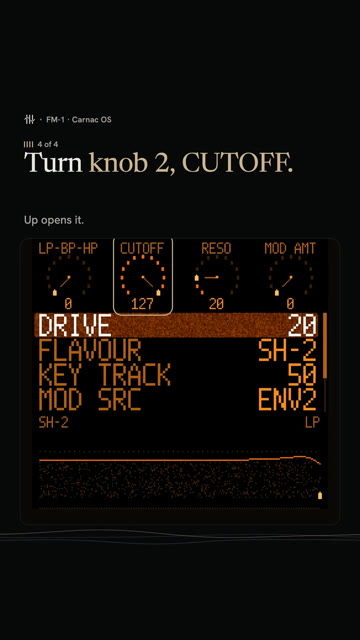 How to sweep the pad's filter in Carnac OS0:43 · 4 STEPS · CARNAC OS
 How to play a dominant 7th on the FM-1 with ChoralRoot0:33 · 3 STEPS · CHORALROOT
 How to play minor 9th chords with one finger on the FM-1 with ChoralRoot0:37 · 3 STEPS · CHORALROOT
 How to play a I-vi-IV-V on the FM-1 with ChoralRoot0:39 · 4 STEPS · CHORALROOT
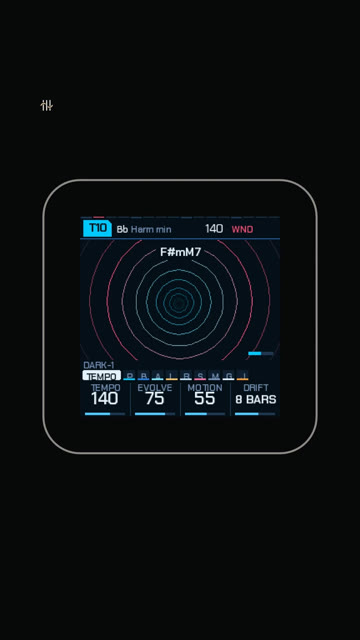 DARK-1: a groovebox that plays dark music by itself0:29 · 3 STEPS
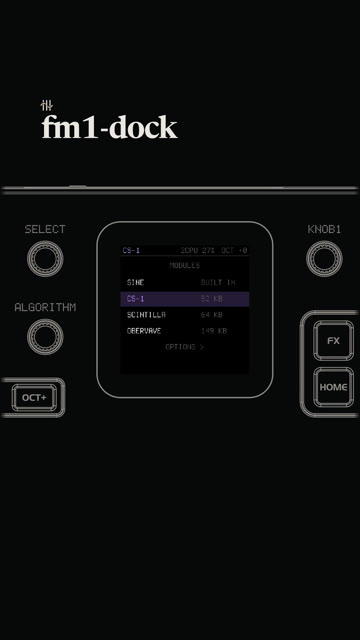 fm1-dock: one firmware, many synths0:27 · 3 STEPS
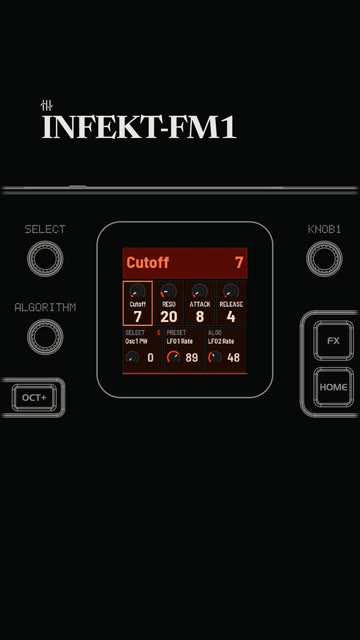 INFEKT-FM1: a virtual analog synth, compatible with Virus patches0:30 · 3 STEPS
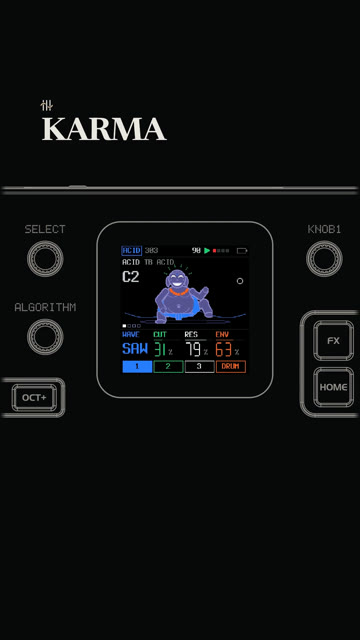 KARMA: a groovebox where every track has a character0:28 · 4 STEPS
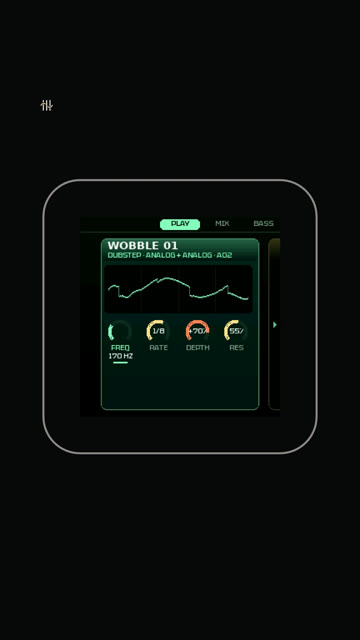 K-WASUB: a bass synth with the wobble on its keys0:28 · 3 STEPS
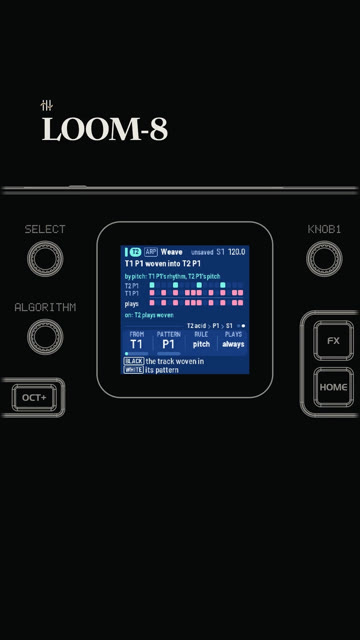 LOOM-8: a groovebox that weaves two patterns into a third0:27 · 3 STEPS
 How to get the Casio CZ sound on the FM-1 with Melodee0:34 · 3 STEPS · MELODEE
 How to get a Prophet-5 sound on the FM-1 with Melodee0:40 · 4 STEPS · MELODEE
 How to record without quantize on the FM-1 with Melodee0:28 · 2 STEPS · MELODEE
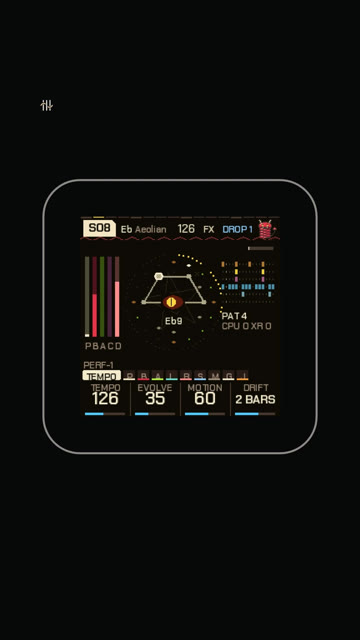 PERF-1: breakdowns, builds and drops on one button0:30 · 3 STEPS
 How to make dungeon synth on the FM-1 with GHOULBOX0:41 · 4 STEPS · GHOULBOX
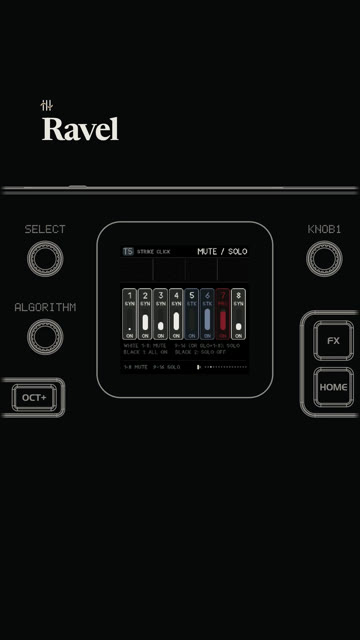 Ravel: a groovebox where tracks play other tracks0:26 · 3 STEPS
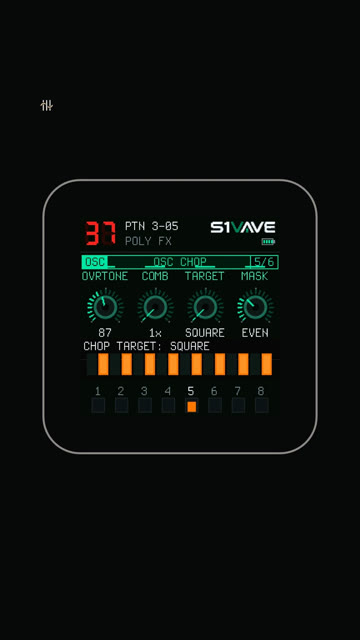 S1Vave: a wave you draw and chop as you play0:28 · 3 STEPS
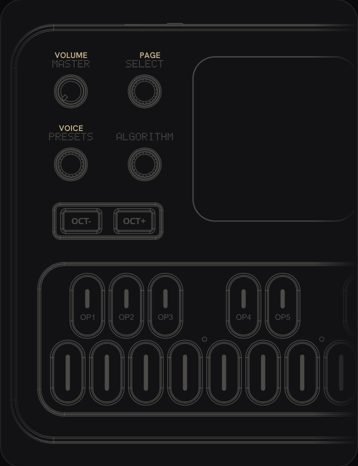 What every FM-1 control doesPick the firmware on yours, then tap any control to see what it does.
 How to add glide to one step0:38 · 3 STEPS
 How to play a random sequence0:28 · 2 STEPS
More on fm1-dock
fm1-dockSwap synths with HOME, no reinstall: a CS-80-style poly, the Elka Synthex, a four-track poly and a sine, or an empty dock you fill.Les is independent and not affiliated with M-VAVE or the firmware authors. M-VAVE and FM-1 are trademarks of their owners.